

Question
When connecting to Creo through a VB.NET application, why am I getting an "xToolkit Busy" error?
Through the SmarTeam integration, my referenced VB.NET COM object attempts to connect to the existing Creo session but fails with an error depicting "xToolkit Busy":
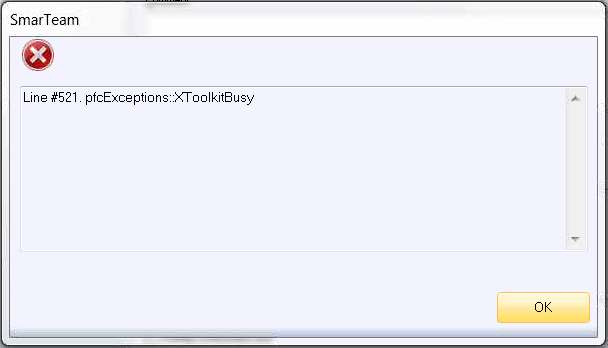
My code is as follows, and the error occurs at the first Connect() method:
Dim asynconn As New pfcls.CCpfcAsyncConnection
Dim conn As pfcls.IpfcAsyncConnection
Dim CreoSession As pfcls.IpfcBaseSession
conn = asynconn.Connect("", "", ".", 5)
conn = asynconn.GetActiveConnection()
CreoSession = conn.Session
'... Do stuff here
conn.Disconnect(2)
I have ensured the following:
- JRE component is installed for Creo
- System environment variable is set to PRO_COMM_MSG with path to the .exe file (includes whitespace)
- J8U40 (64 bit) is installed
I'm not sure what else to look for or how to troubleshoot this. Any advice is appreciated.