

Example ThingWorx Analytics 8.1 Mashup
Put together a quick example mashup in support of a couple of analytics projects to demonstrate use of the new TWX Analytics 8.1 APIs within TWX mashup builder. The intention here is for use in POCs to provide a quick way of demonstrating customer-facing analytics outputs along with the more detailed view available in Analytics Builder.
Required pre-requisites are:
- ThingWorx 8.1 + Analytics Extensions
- ThingWorx Analytics Server 8.1
- Carousel TWX UI widget (attached) imported into TWX
- Data set(s) loaded with signals / profiles generated.
The demo can be installed by importing the attached entities file into TWX composer then launching the mashup 'EMEA.Analytics.CustomerInsightMashUp'.
A quick run through of the functionality ...
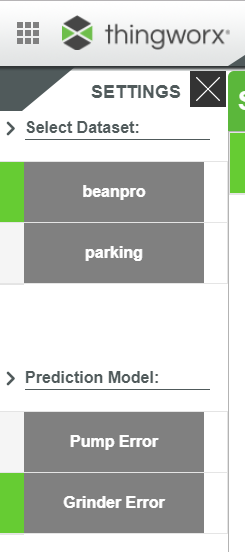
On launching the mashup, data sets and models are displayed for selection on the left hand-side.
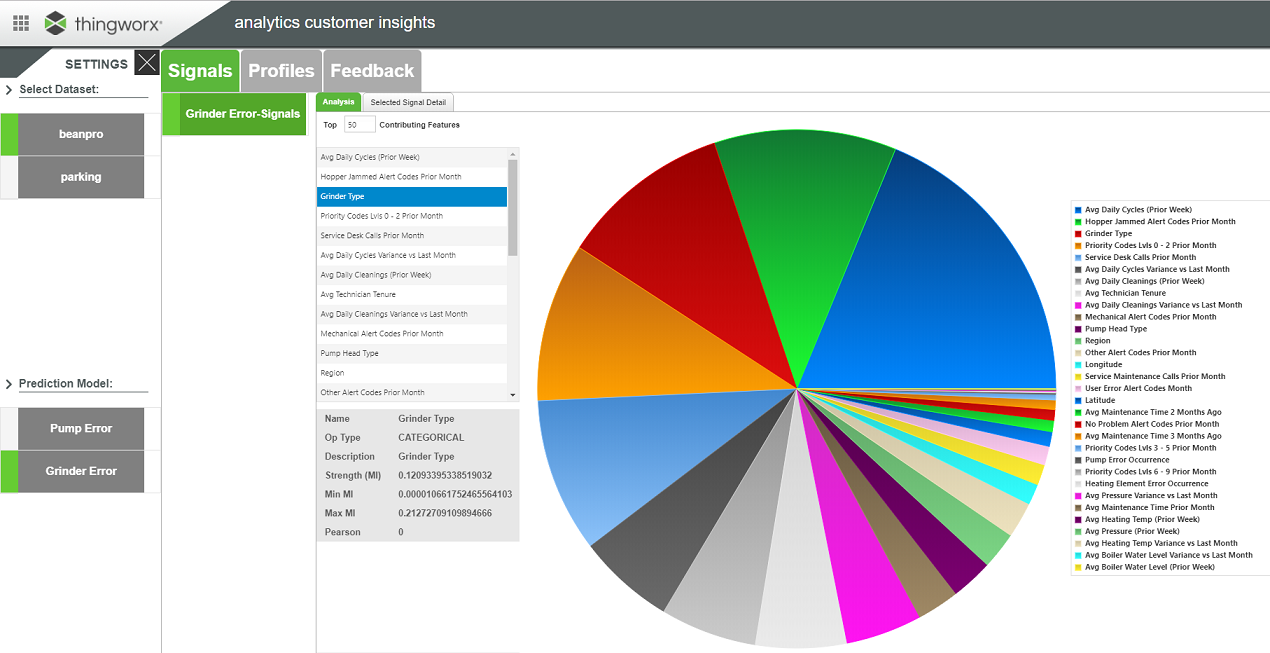
On selecting dataset and model, signals are presented in two tabs - first an overview of all signals. The list on the left can be expanded by changing the value for 'Top <n> Contributing Features'.
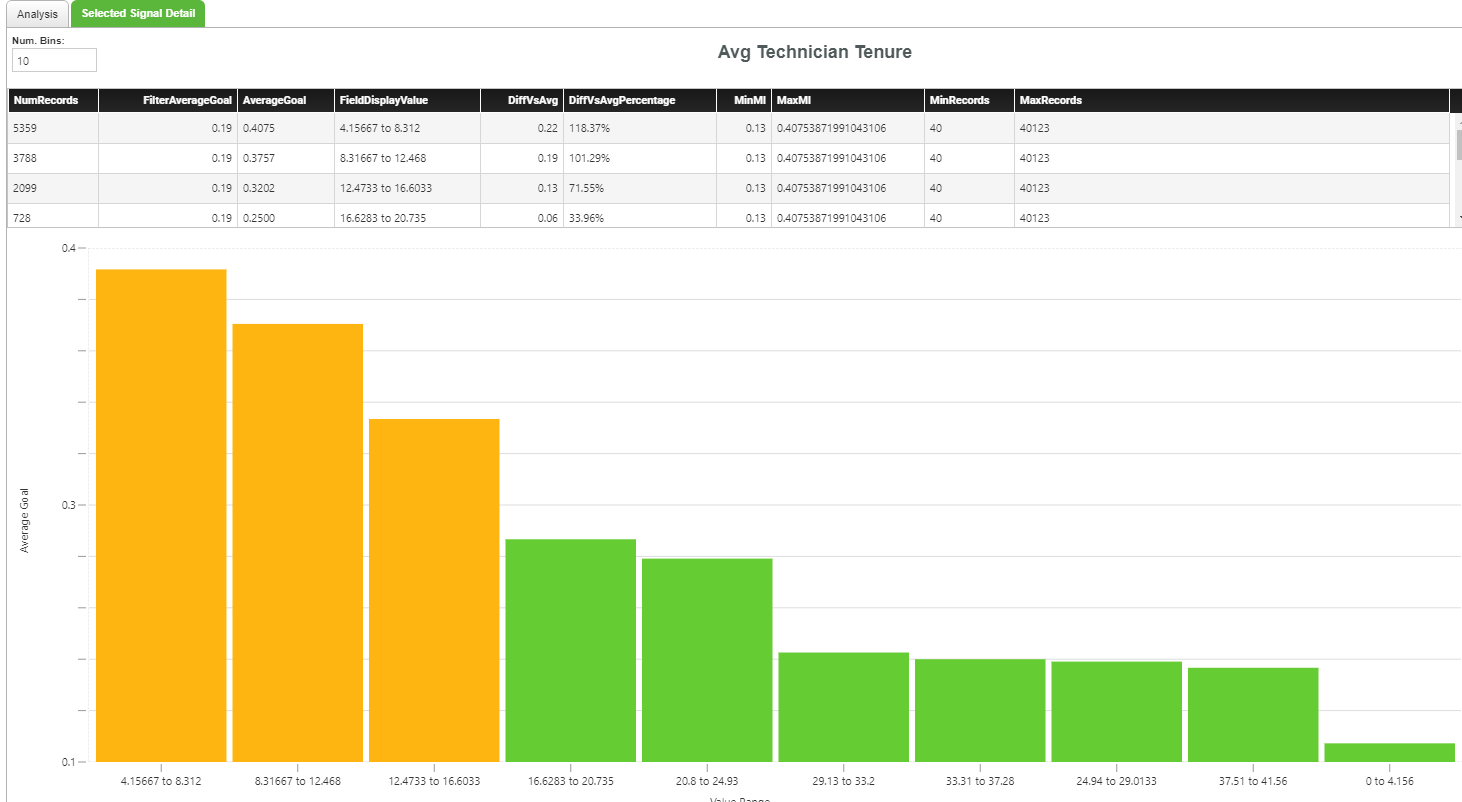
On selecting a signal from the list, the 'Selected Signal Details' tab displays additional charting for value ranges, average goal etc. The number of 'bins' to display can be edited.
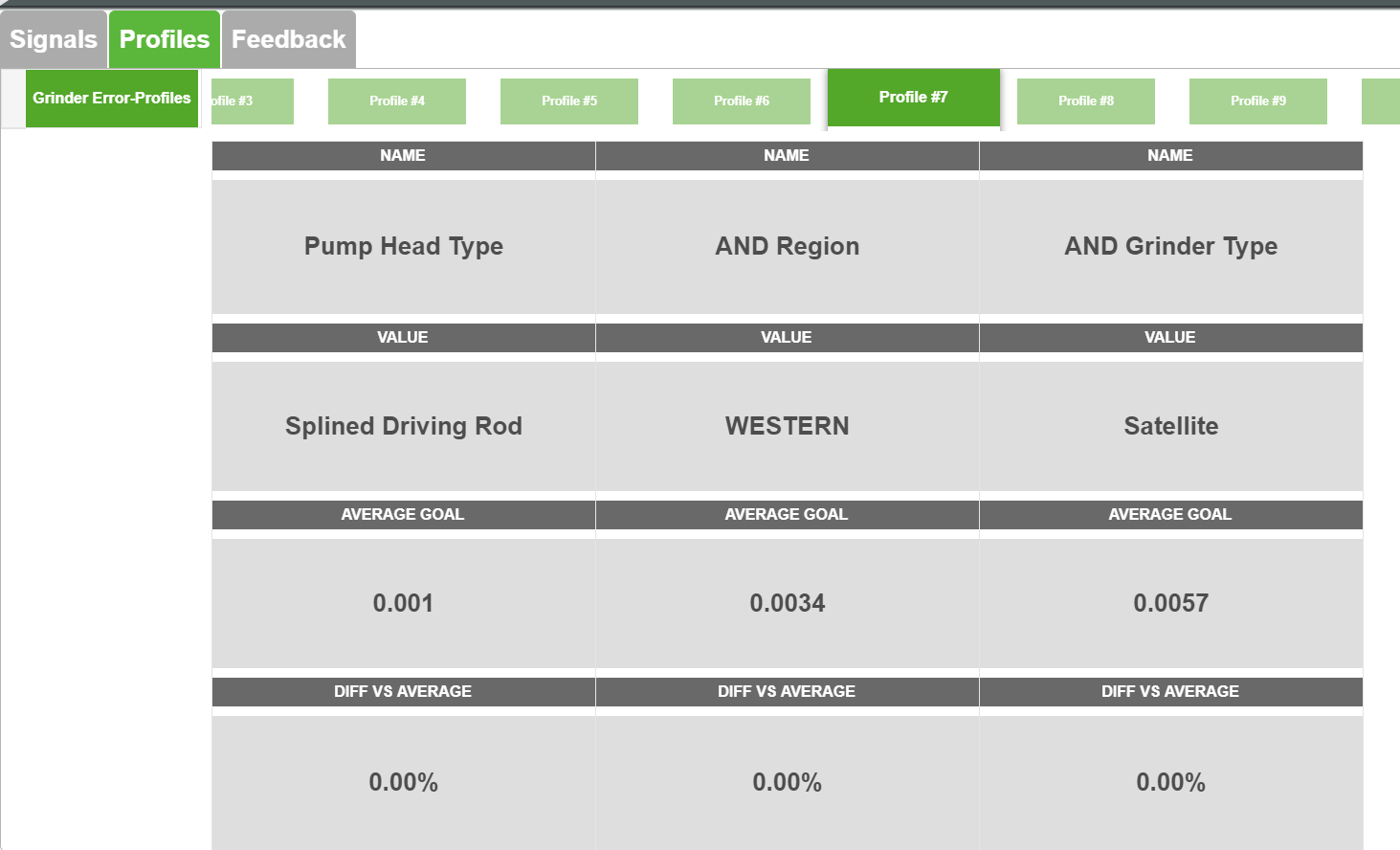
Similarly, profiles can be viewed from the 'Profiles' tab - each profile can be selected by dragging the upper carousel.
This is all done using the Analytics 8.1 "Things" in TWX along with an additional custom Thing with some scripted services (EMEA.Analytics.Helper).
Thanks to Arian Van Huelsen & Tanveer Saifee at PTC for their support; all comments / feedback welcome.