How to Acess ThingWorx Analytics Interactive API Guide
Steps
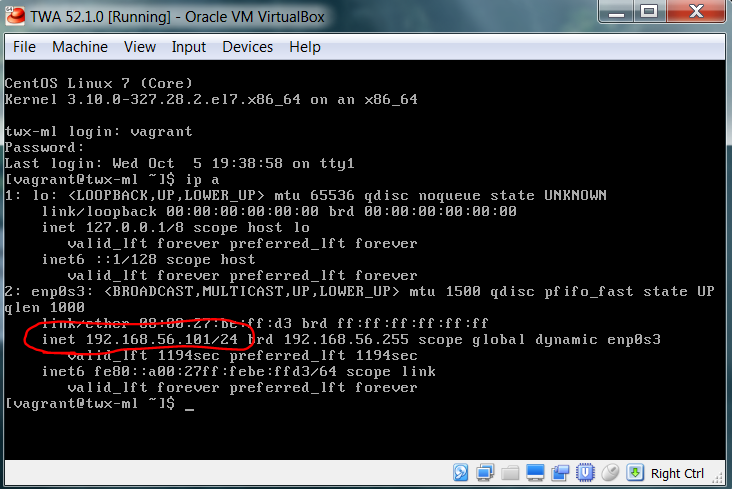
- Get the IP address of the ThingWorx Analytics Server
- Type ip a
- Put that IP address into the desired web browser
- Your IP address may be different from the one in the picture above
- Add the port number of the server to the end of the IP address
- The Default port number is 8080
- Make sure to put a colon " : " between the end of the IP address and the start of the port number
- The port number could be different in some cases, depending if it was configured differently during installation
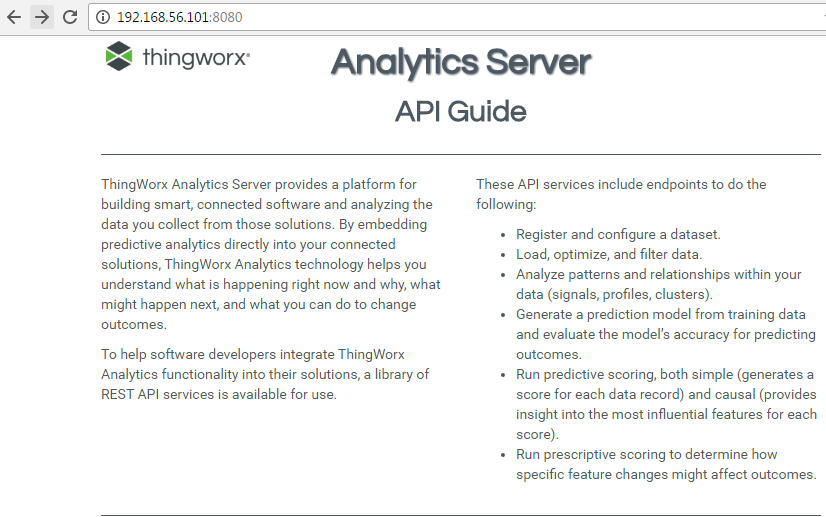
- Hit Enter and the main page will load.