


Creo is incorrectly tracking tip
Hi all
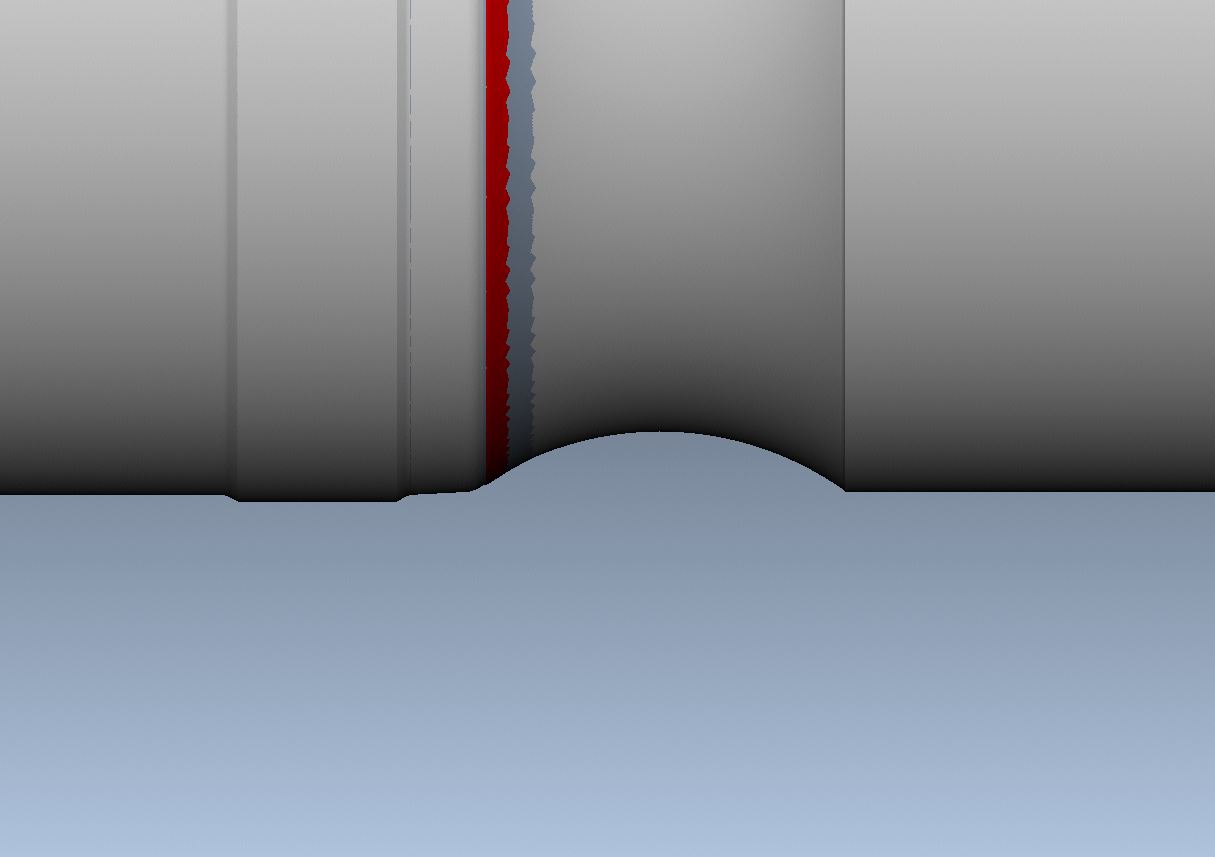
I have had a situation which is outside my normal turning duties, which I had to us a 16mm neutral triangle insert to machine a groove, we are machining without cutter comp, so the correct setup output point should be tip, but when I run the program in Vericut, the result is under cutting the groove, see below
now to get this to work properly in vericut, I had to alter the tools tracking point to represent an X_OFFSET arrangement, see below.
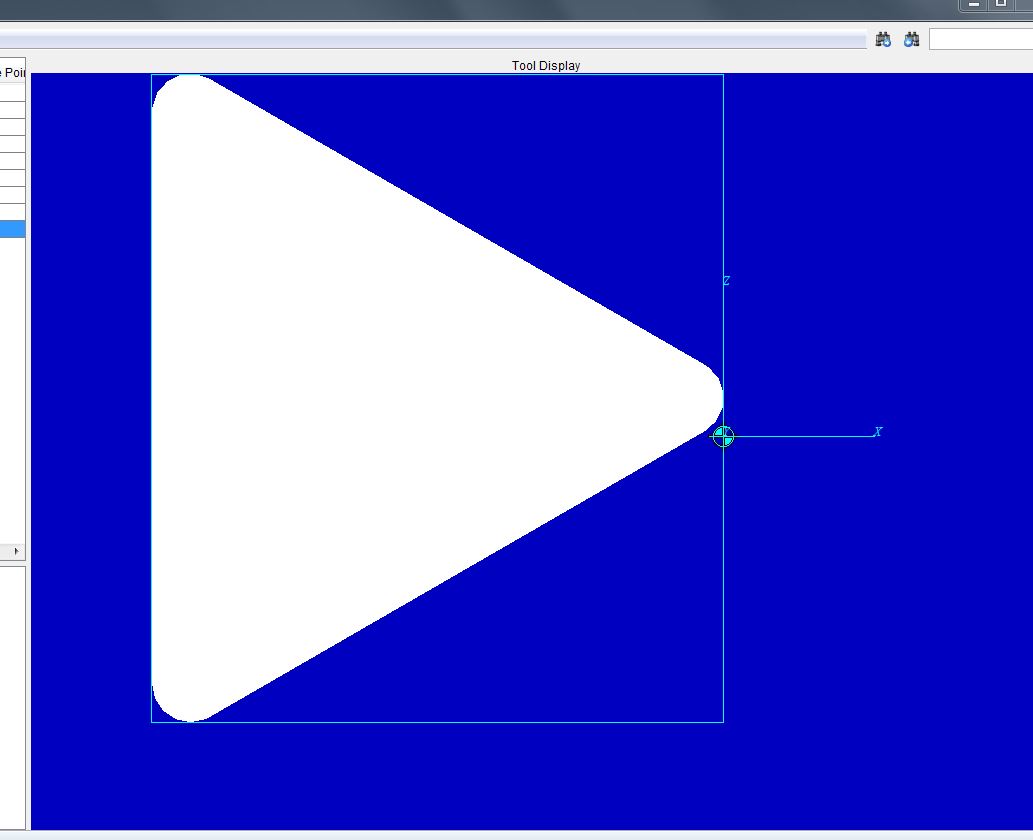
This worked with the tool path generated by Creo.
I now set the TIP OUTPUT to X_offset , and reset the vericut tool to a neutral tip, and it works properly ??????
So Creo is treating the tip output as follows
TIP = X_OFFSET
X_OFFSET = TIP
This is a major bug for an engineering software to have. Has anyone else found this out.
This thread is inactive and closed by the PTC Community Management Team. If you would like to provide a reply and re-open this thread, please notify the moderator and reference the thread. You may also use "Start a topic" button to ask a new question. Please be sure to include what version of the PTC product you are using so another community member knowledgeable about your version may be able to assist.