

Did You Know? Tray Assemblies in Creo 4.0
Have you downloaded Creo 4.0 yet? Printing parts made in Creo has never been easier. Now, you can use the software to set up a tray assembly, arrange parts, and test them for printability before you send them to the printer. Our expert explains how:
To explain the basics of tray assembly, let's start with one part.
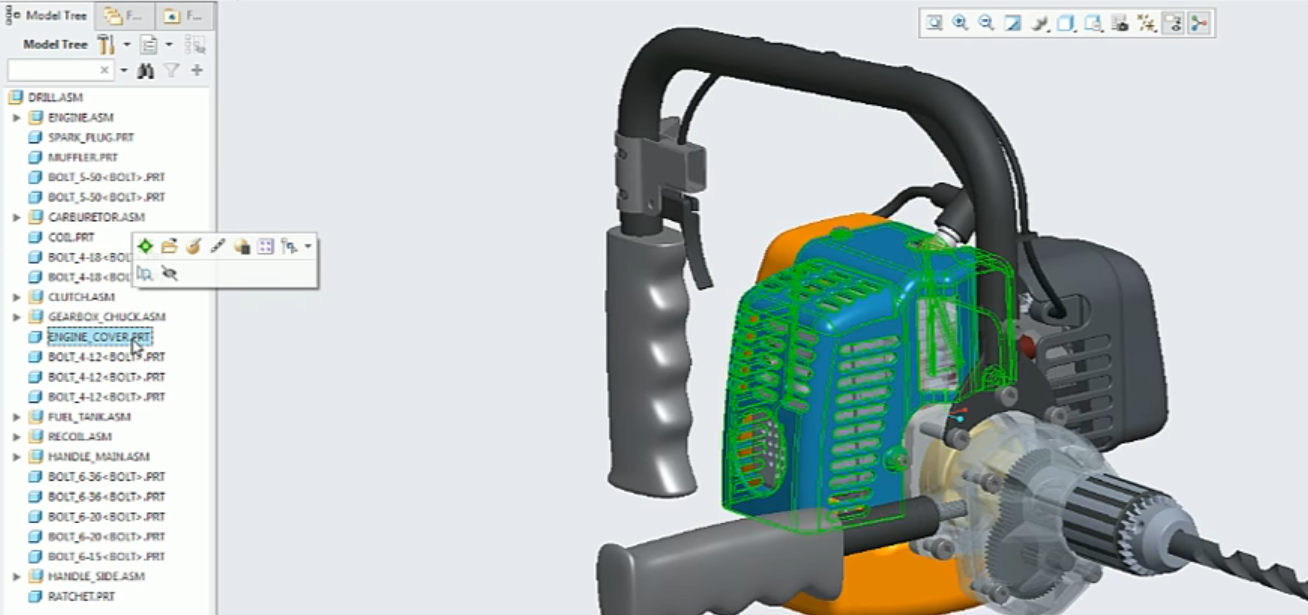 Selecting the engine cover to create a tray assembly.
You can prepare that part for 3D printing, then use automatic positioning and add other parts.
Place as many parts as you want into the tray.
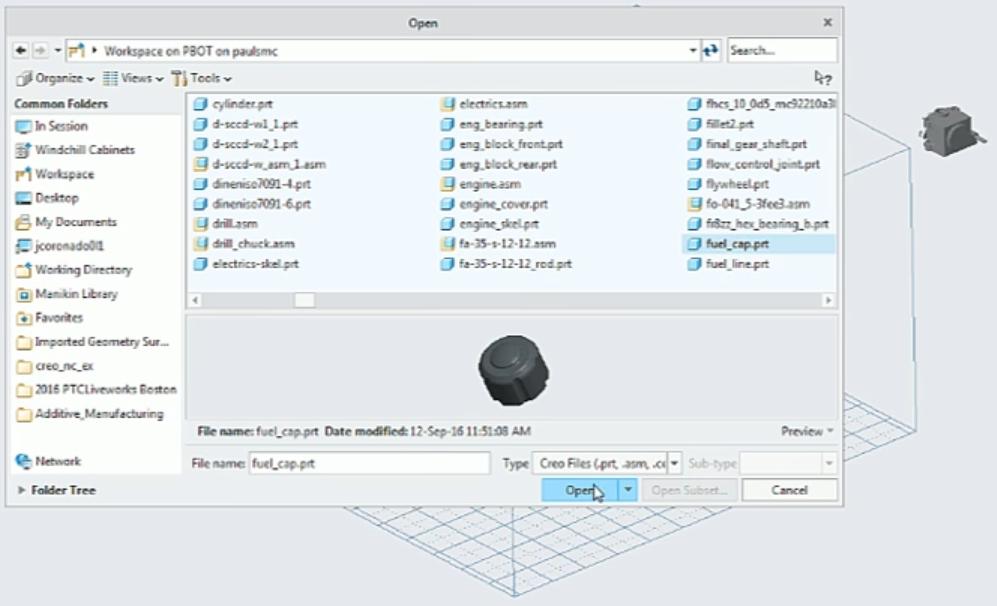
Adding a fuel cap to the tray assembly.
You can also create a pattern, which you can use to create multiple instances of a part. For example, select one part and then define the pattern, then select the number of parts. In this case, we are using direction. You only need to worry about the number of parts.
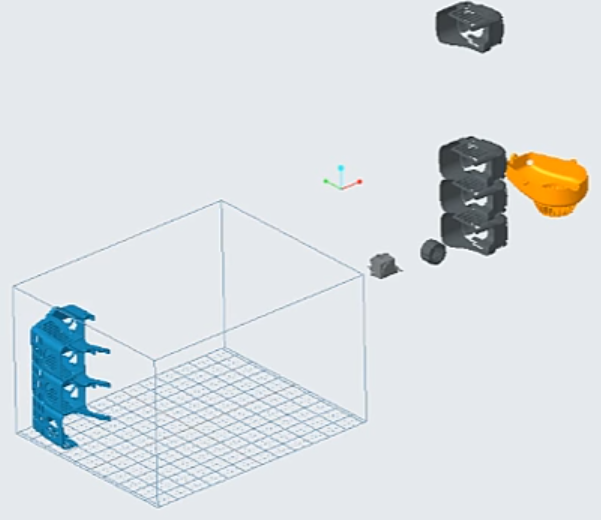
Creating a pattern of the parts using Direction.
When you click Auto-position, the system arranges the parts inside the tray.
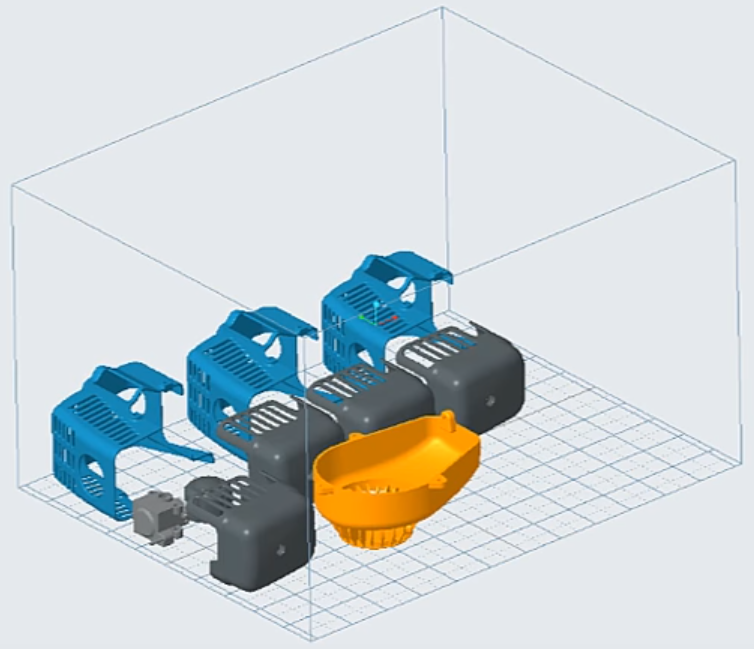
The parts are arranged automatically inside the tray.
Let's create a pattern that has multiple instances of a fuel cap.
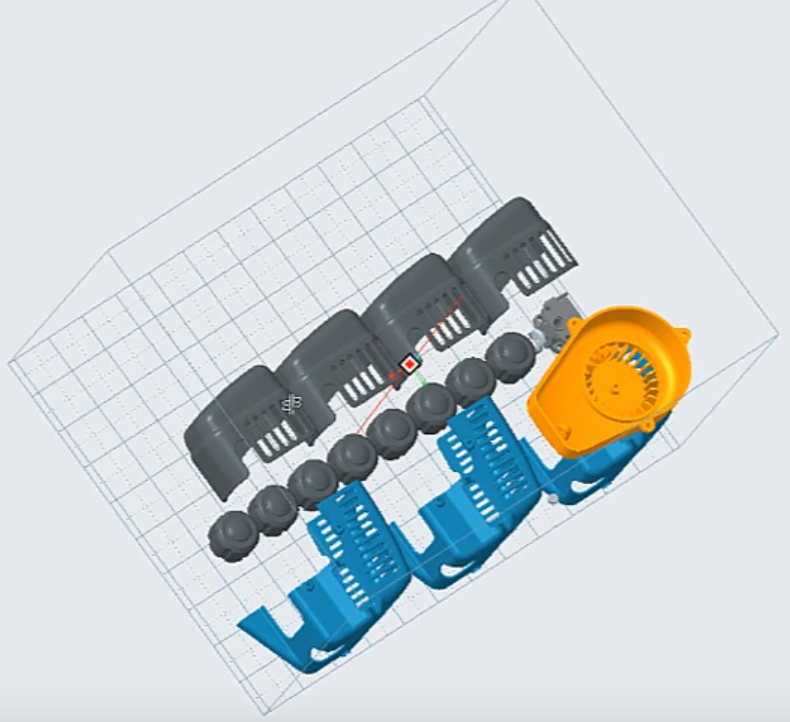
Adding eight instances of the fuel cap and then using auto-positioning to arrange them inside the tray.
The next thing that you can do in the tray assembly is to create a nesting arrangement. Nesting places the parts so they use as much volume as possible in the tray assembly. Use nesting when the 3D printer can handle this type of arrangement.
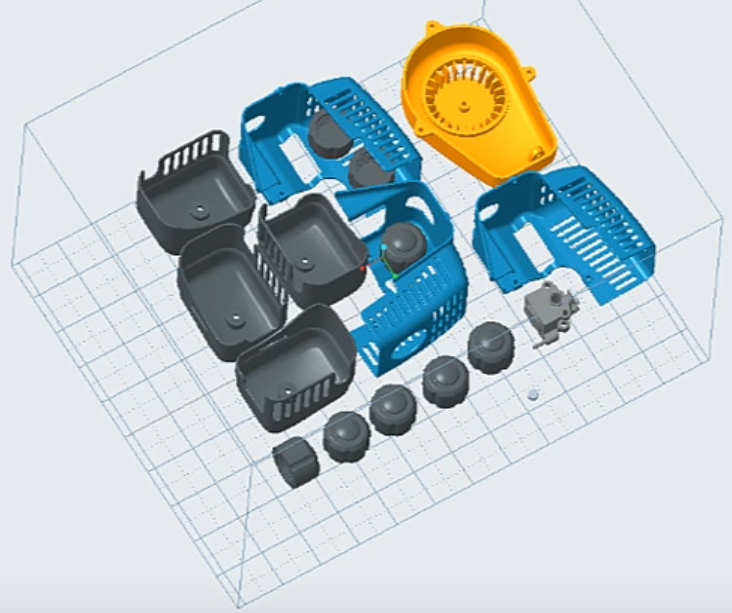
The models have been rearranged using nesting.
You can also add notes, measure parts, check the printability of a tray assembly, and much more. The video below shows some of the basic functionality available with tray assemblies in Creo 4.0.
To learn more about the advanced tray assembly functionality, including the connectivity with 3D printers, see New to Creo 4.0 - Additive Manufacturing - 3D Printers Connectivity.
To see a demo of these features, check out the video: https://youtu.be/_HgzdcsHG28
You can also learn more by reading the PTC Creo Help Center page, Creating a Tray Assembly.
If you haven’t already, download the software here and try it yourself. And stay tuned to our “Did You Know” blog series, as we cover more enhancements in PTC Creo 4.0.