


How do I prevent my tool from going into the workpiece during rapid motion (4-axis)?
Hello Community,
I am using 4 axis cnc mill with B axis as a rotational axis.
I used various offset surfaces for this program which you can see in the design tree.
I have spent considerable time in searching different forums and videos to find a solution to this problem.
I would like to show rather than explain in words. (sorry I had to hide the component name)
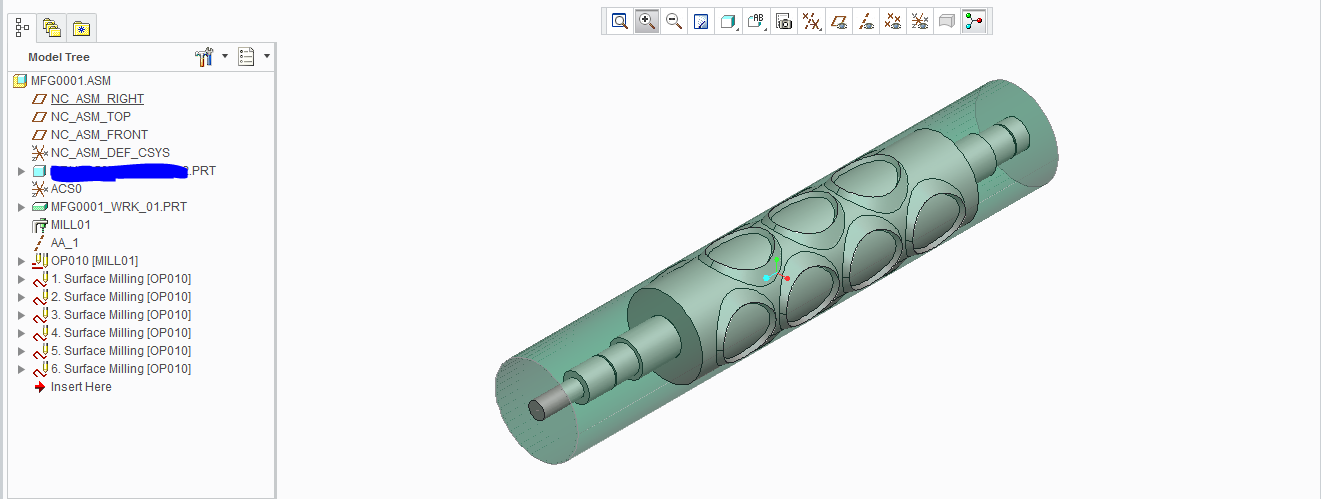
1. This is the work piece and the reference model as below.
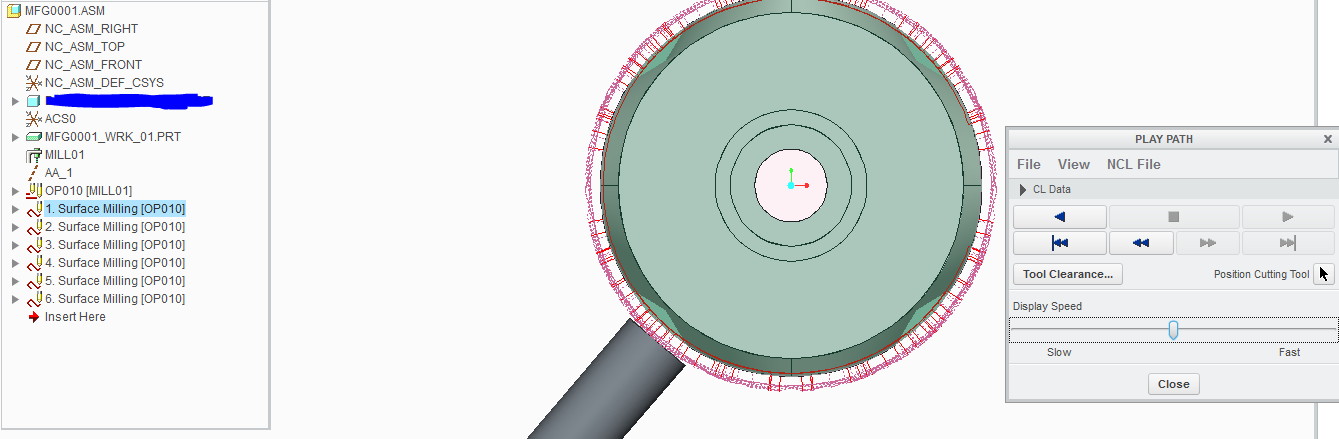
2.For better understanding, this view will be used. You can see that sequence one is fine without gouging into the reference model.
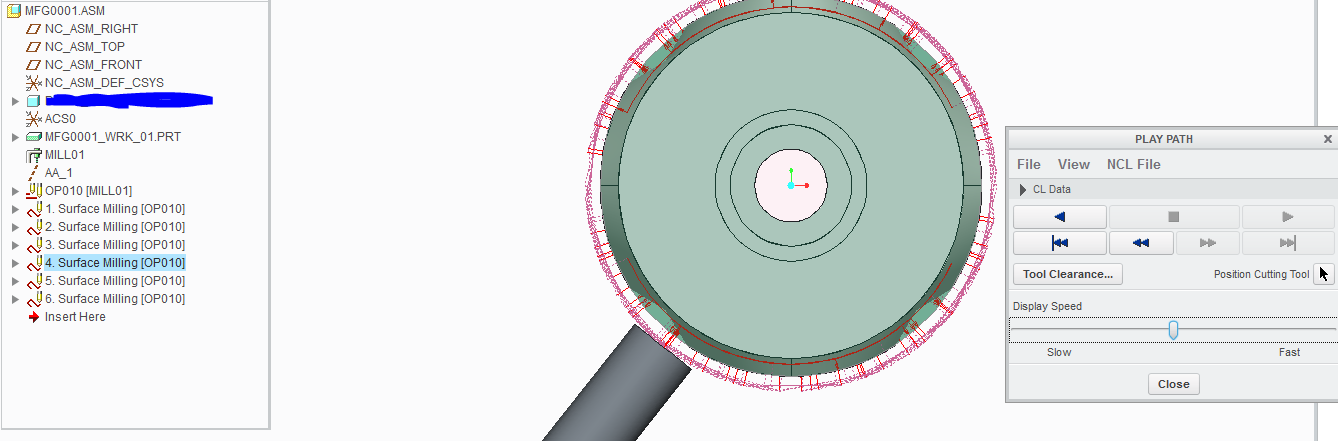
3. So is the case with all the individual surface milling operations.
4. But when I run the tool path for the operation OP010 as whole, the tool passes through the model as shown
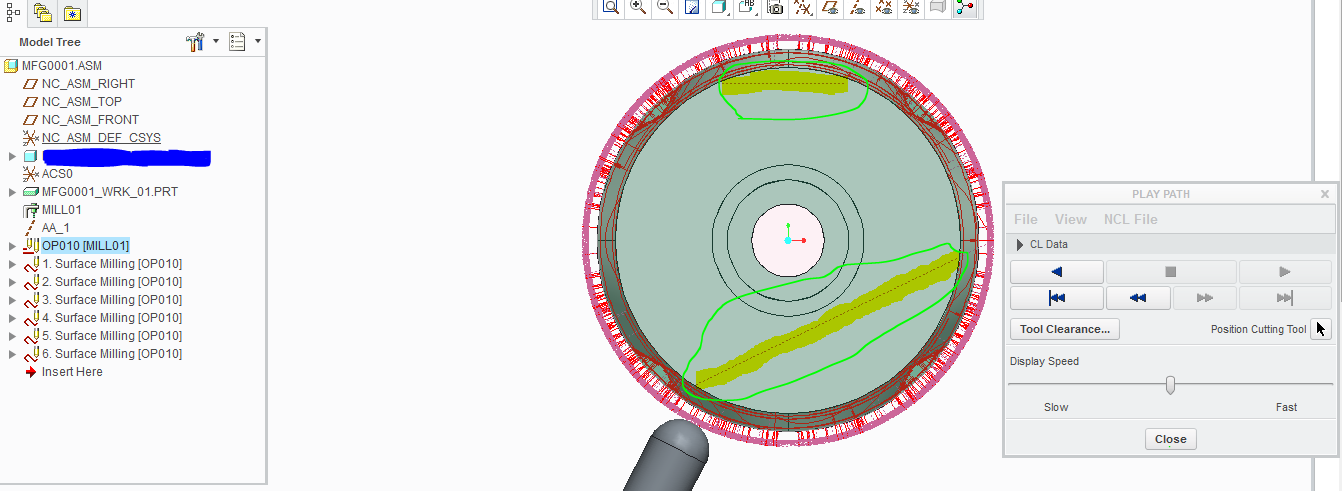
Please suggest me how I can control these 'motions between the operations' without gouging into my workpiece.
thanks in advance.
This thread is inactive and closed by the PTC Community Management Team. If you would like to provide a reply and re-open this thread, please notify the moderator and reference the thread. You may also use "Start a topic" button to ask a new question. Please be sure to include what version of the PTC product you are using so another community member knowledgeable about your version may be able to assist.