Solved
How to revolve a 3D edge ?
Hello,
I and my colleagues have to design turning and milling tools, thus we often need to check the shape generated by these tools during machining.
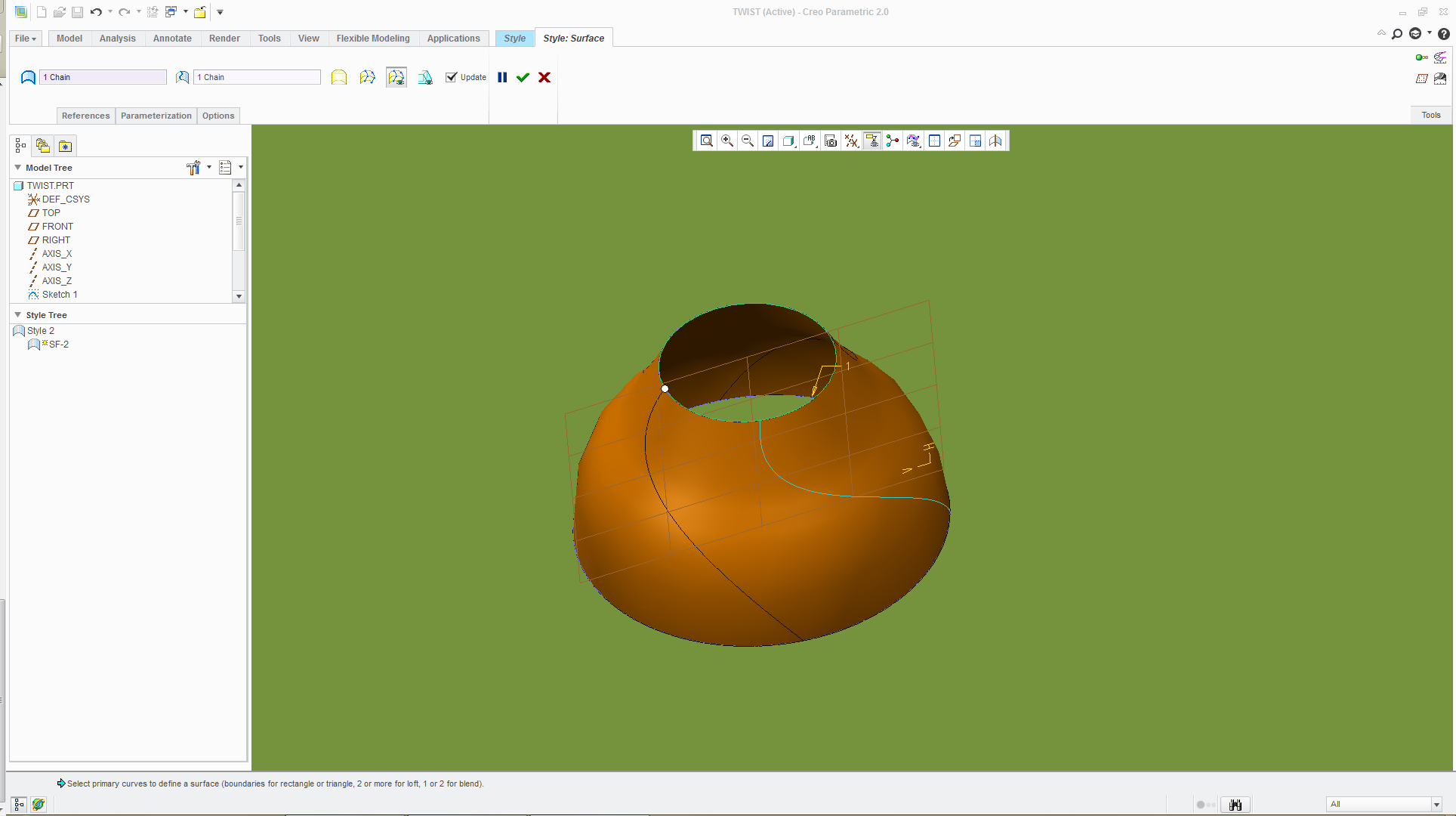
As the cutting edges are sometimes not contained in a plane and/or not in a plane containing the axis of revolution of the tool, we cannot simply use the Revolve feature.
The easiest way we found is (in WF5) :
1. Copy/Paste a cutting edge
2. Copy the copied edge
3. Paste special with Rotate transformation (10°) around the tool's axis of revolution
4. Pattern it every 10°
5. Make a boundary blend of all these copied edges
The question is: IS THERE A SINGLE PRO/E FEATURE ABLE TO REVOLVE A 3D EDGE (not contained in a plane) AROUND AN AXIS ?
Thank you. 
This thread is inactive and closed by the PTC Community Management Team. If you would like to provide a reply and re-open this thread, please notify the moderator and reference the thread. You may also use "Start a topic" button to ask a new question. Please be sure to include what version of the PTC product you are using so another community member knowledgeable about your version may be able to assist.