Solved
Machine play going from opposite sides (Example B0 to B180) will not rotate.
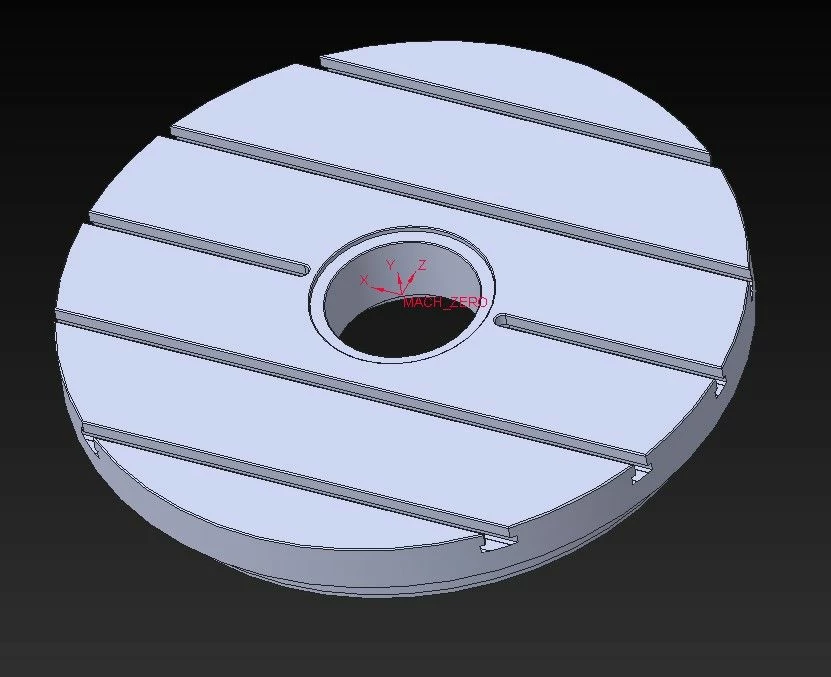
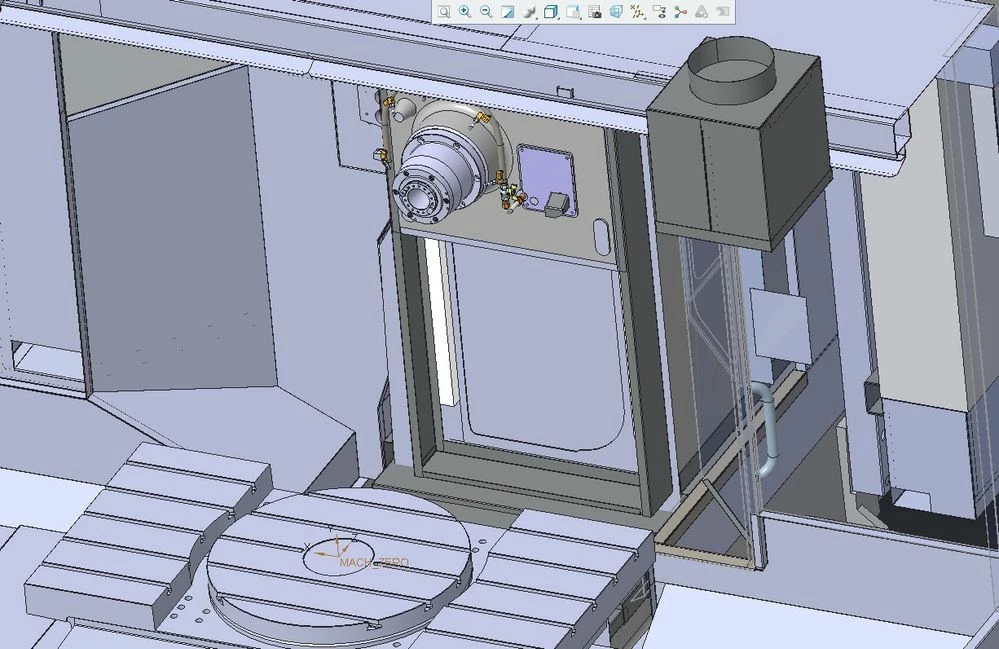
I have a working kinematic model that will work fine as long as you do not immediately rotate to the opposing side. If I start machining on B0 and go to B180, the Z travels right through the part and continues machining without rotating the B axis. But if I go from B0 to B90 and then on to B180, it will rotate as intended. If I go from B90 to B270, it also will go straight through the part. My "MACH_ZERO" CSYS match each other, I can't think of anything I have done wrong on my end. Any ideas? Or is this just another thing that Creo offers but is broken?
Also, if I start on B180 as my first machining side, then with all following rotations, the tool will go through the part. I put together the following demonstrations.