

1-Visitor
May 27, 2016
Solved

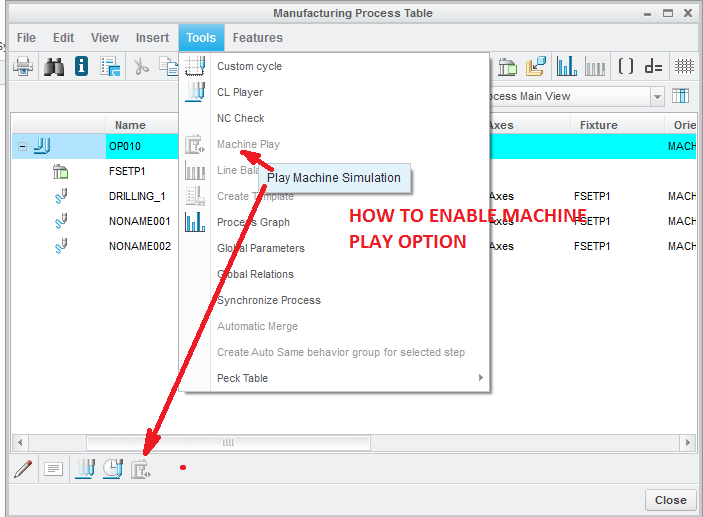
Pro-nc , how to enable machine play option
  • May 27, 2016
  • 1 reply
  • 2880 views

Pro-nc , how to enable machine play optionMACHINE_PLAY.png


This thread is inactive and closed by the PTC Community Management Team. If you would like to provide a reply and re-open this thread, please notify the moderator and reference the thread. You may also use "Start a topic" button to ask a new question. Please be sure to include what version of the PTC product you are using so another community member knowledgeable about your version may be able to assist.

1 reply

16-Pearl
May 27, 2016

Hello,

You probably have to define a machine assembly through this window below (definition of the working center):

shiva11-VisitorAuthor
1-Visitor
May 27, 2016

Dear rmorin

which .asm i am using here

16-Pearl
May 27, 2016

You must have an assembly corresponding to the machine you use. This is the problem. You have to find one or build it by yourself. If you look to Creo help you will find what constraint you have to respect in order to work correctly.