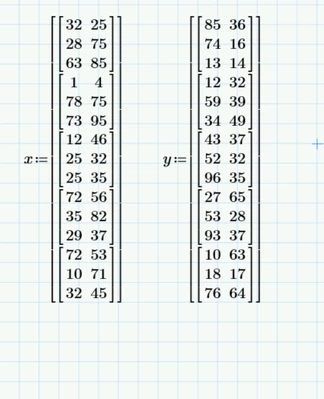
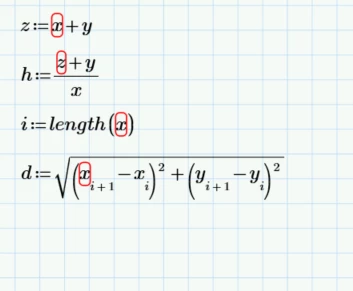
@YA_10963798 wrote:
Actually this is just an example... I have more than 500 matrix in other sheet and each has 4 columns length more than 200 ...but I don't need all of the 500 matrices I just need 325 of them ... this is why I asked
Are you after something like "import(from_worksheet,array_list)"?
If so, then no, I don't believe any such capability exists. You could raise a feature request with support. It could be pretty nifty as a means of limiting the (memory) size of a primary worksheet
What you could do, as a workaround, is export them from the secondary worksheet(s) to an Excel workbook (eg, one array to a worksheet) and then read them in as required. All 500 & 325 of them. 😈
And for that, I'd definitely recommend using something like my Excel range creator function. I'd also recommend using a similar function in the secondary worksheet to allow you to specify which worksheets to export where. Even my slapdash soul quakes at the idea of the configuration control nightmare of manually creating and maintaining the necessary range specifications; it's a big enough task just creating the matrix of array/range specifications - but at least that should be more readily portable between Mathcad worksheets.
Stuart
Stuart