

1-Visitor
October 31, 2016
Question

Conversion of MAthCAD 15 to Prime 3.1 on Microsoft Surface

  • October 31, 2016
  • 46 replies
  • 16023 views

I had a great deal of difficultly loading Mathcad 15 on my surface notebook until it was realized that .NET 3.5 framework was needed and though supported in the Windows 10 O/S was not preloaded.

Having resolved that problem I still have issues with conversion.  The error message I get is:
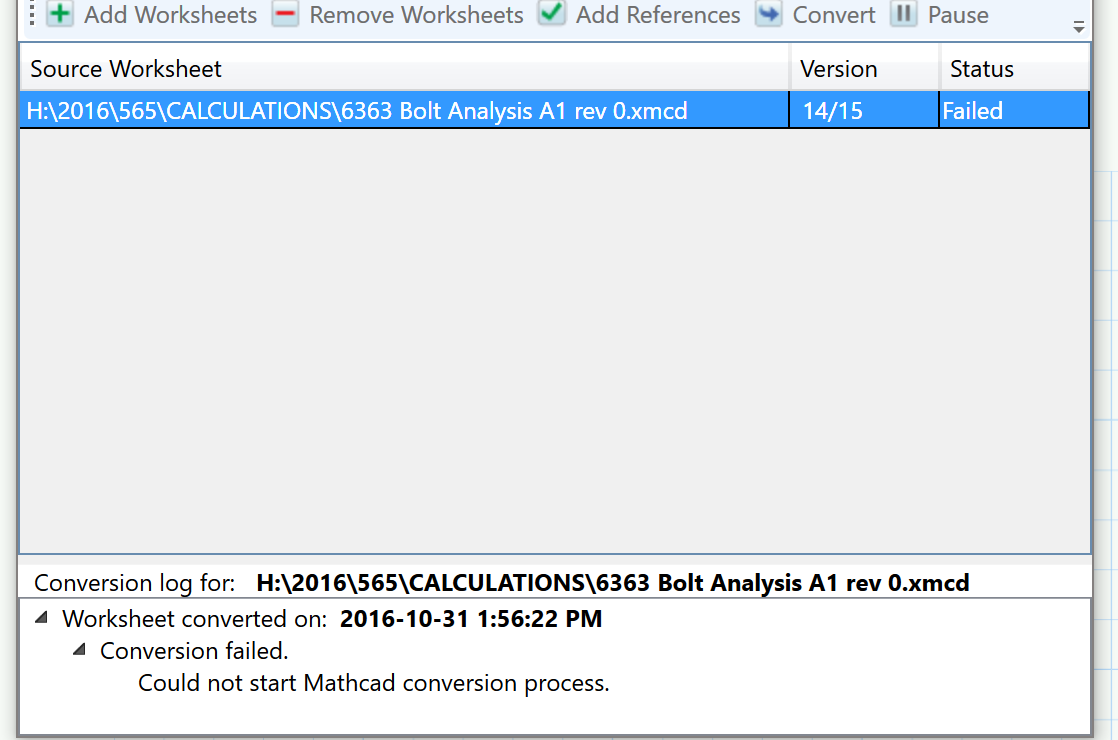
If you have any insight to fix this problem it will be helpful.

A

46 replies

1-Visitor
October 31, 2016

Please verify which release of Mathcad 15 you have installed.  The latest is M040.

1-Visitor
October 31, 2016

It is the latest

A

24-Ruby IV
October 31, 2016

On my Surfase Pro 3 no problems

1-Visitor
November 1, 2016

I have the Surface pro but I never bothered loading it on it as I felt it was too slow and had other glitches.  Also PTC said it did not support O/S 7 or 8.1.  Now with the surface notebook I am comfortable with loading it ans it works it just does not convert the files.

A

1-Visitor
November 4, 2016
24-Ruby IV
November 6, 2016

Resolution:

Pic_2.png

1-Visitor
November 4, 2016

Something that may help in diagnosing the problem is that double clicking a Mathcad file name gives an error when Mathcad starts.

Mathcad starts as expected but the following message appears:

I suspect it is the same problem, that the computer knows enough to associate these files with the program but there is something lost when it tries to load them in to the program.

A

19-Tanzanite
November 4, 2016

Go to "Control Panel", "Default Programs", "Associate a file type or protocol with a program" and scroll down to .xmcd. What is the current default application (if any)?

1-Visitor
November 4, 2016

It is correctly associated.  Mathcad loads but it doe not open the file.

A