Finally found it!
I knew it would/should be lying around somewhere but wasn't able to find it in first place.
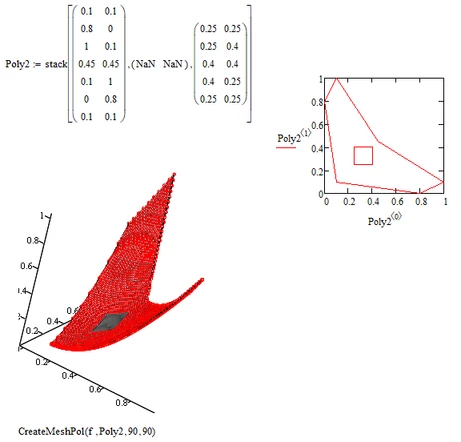
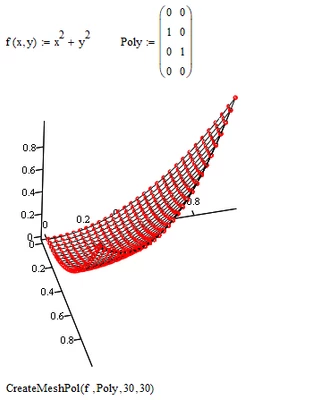
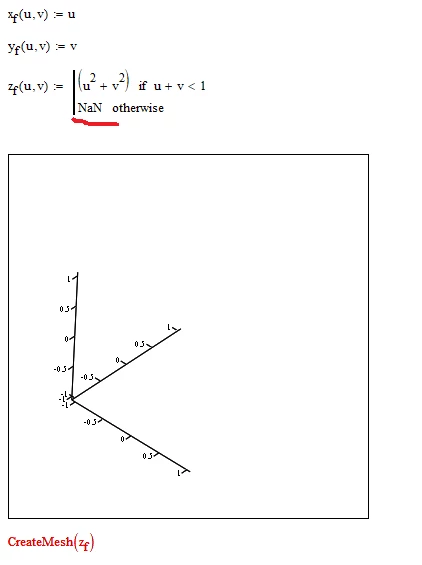
A long time ago I tried to write an alternative "CreateMesh" function which would allow for a polygon as boundary rather than just being limited to a rectangle with the standard the x- and y-limits. Of course I missed the ability to use NaN a lot at those times and tried to find workarounds. The first attempt was a quick hack and then the project never was finished and fell into oblivion. The last version was quite faulty, especially when using non-convex polygons, some polygons which the function for some reason did not like (changing the order of the points in the polygon sometimes helped). I guess I did not come back to finish the project because I realized that I would not be able to achieve with reasonable efforts what my goal at those times was - using multiple polygons to create "holes" in the boundary area. As you can see in the example below I succeeded in avoiding any mesh points in the "hole" area, but because of the simple approach used there still are mesh lines in this area which means that it will be filled and so no see-through effect.
For whatever it may be worth I attach the worksheet "as is" if someone likes to play around with it.