

1-Visitor
April 15, 2015
Solved

How to Use MathCAD Spreadsheet within Excel

  • April 15, 2015
  • 1 reply
  • 2668 views

Hi,

I have a MathCAD spreadsheet that I would like to use in Excel.

What I want it to do, quite simply, is this:

In Excel, I have about 10 inputs. I want to take these inputs, and put them into variables in MathCAD.

The MathCAD sheet will then do its calculation and return 1 variable.

I will take that 1 variable, and put it back into Excel.

How do I get Excel to do this?

Thanks
Best answer by AndyWesterman

No, 15 is a good answer. Prime (as far as I know) can't interface properly yet. even then the SDK might be expensive...

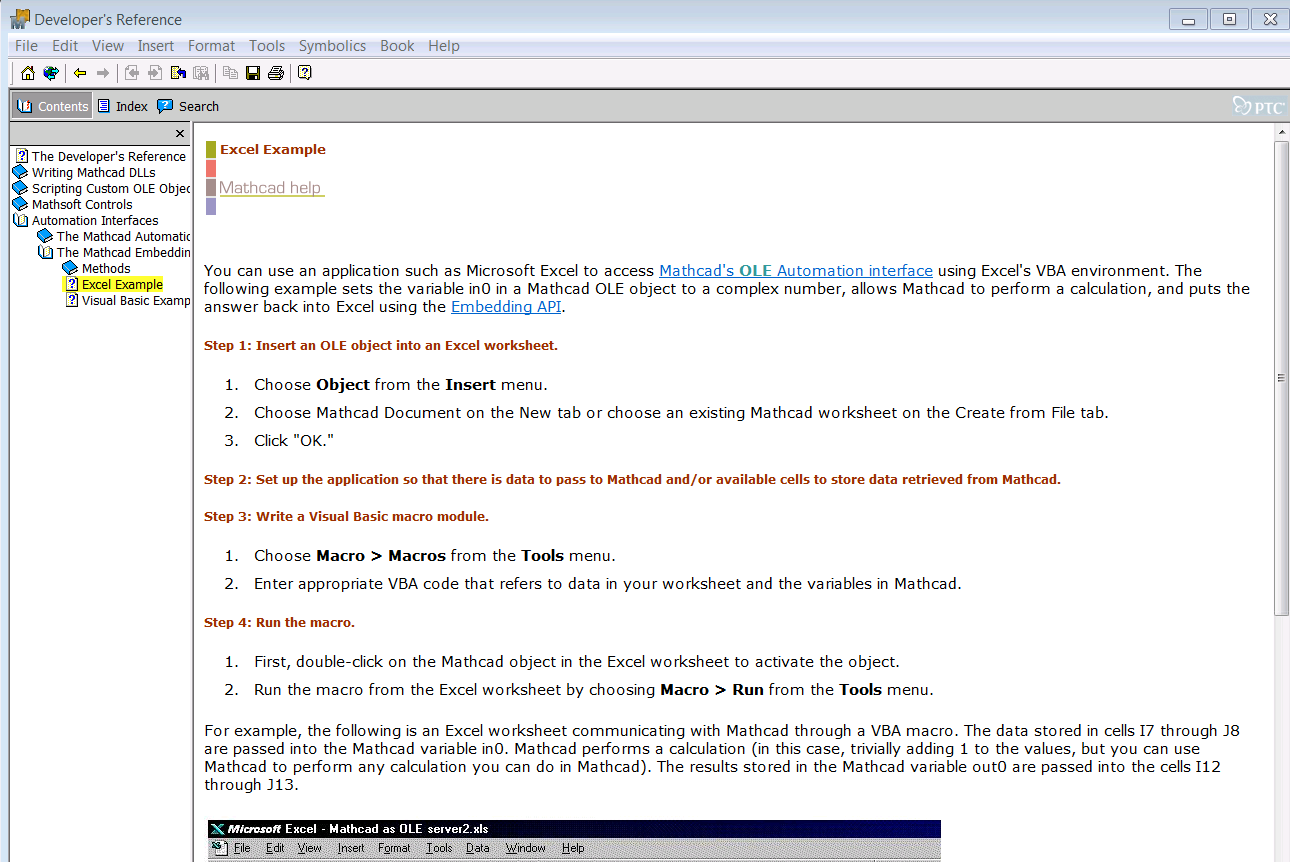
first point of reference is the help files, its not easy to find but may answer your immediate need:

Capture.PNG

I have tried various versions but will need to track them down in my archive.

regards

andy

1 reply

12-Amethyst
April 16, 2015

What version of Mathcad are you using?

Prime or original Mathcad

1-Visitor
April 16, 2015

Right now I'm using 15, but I could convert this spreadsheet to prime fairly easily if need be.

12-Amethyst
April 16, 2015

No, 15 is a good answer. Prime (as far as I know) can't interface properly yet. even then the SDK might be expensive...

first point of reference is the help files, its not easy to find but may answer your immediate need:

Capture.PNG

I have tried various versions but will need to track them down in my archive.

regards

andy