
Linterp Problem
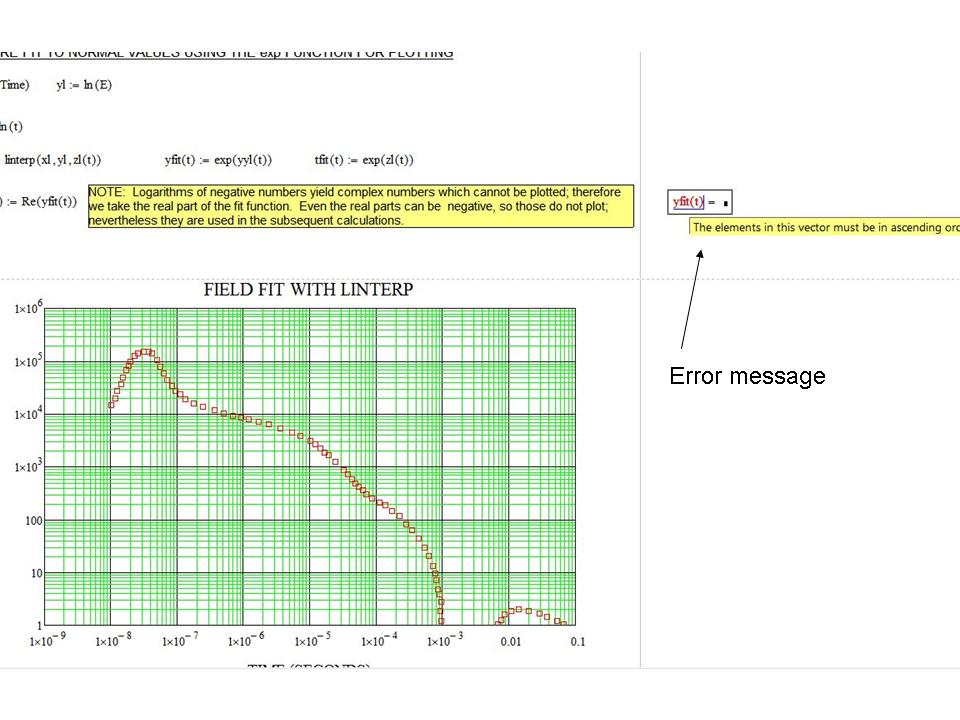
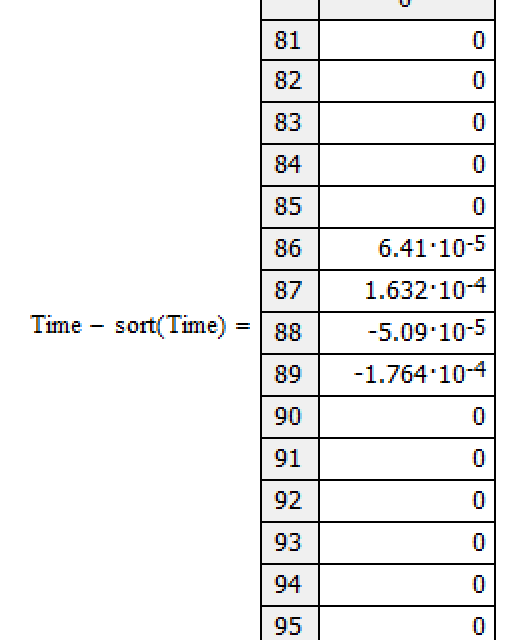
I have one Mathcad worksheet for interpolation. It works fine on a set of sparse data in the DATA 1.xls file, but the interpolation fails for the more dense data in the DATA 2.xls file. I don't think I have any duplicate data points; however, it indicates that one of the arrays in the interpolation is not in ascending order for the more dense data. I cannot find any errors in the data. Here is an image of the error message. The two Mathcad 15 worksheets are attached along with the data files (one for each Mathcad sheet): one for the sparse data and one for the more dense data that produces an error. I don't understand why it works for one set of data and not the other when the only difference is the number of data points. Any suggestions.