Solved
MP10: Legendds for Chart Component
Hello Mathcadeers,
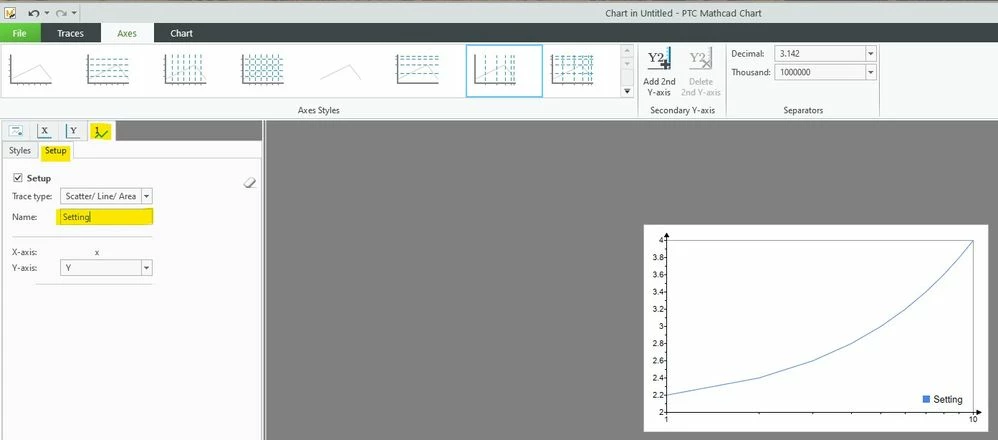
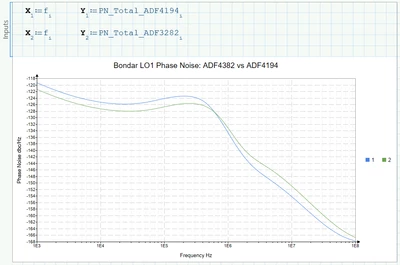
I could not find a way to properly set the Legend on "Chart Component". The legend only shows "1" and "2". Can I set it up to show the actual name; eg PN_Total_ADF4194 and etc?
Regards,
Ak

Hello Mathcadeers,
I could not find a way to properly set the Legend on "Chart Component". The legend only shows "1" and "2". Can I set it up to show the actual name; eg PN_Total_ADF4194 and etc?
Regards,
Ak
Enter your E-mail address. We'll send you an e-mail with instructions to reset your password.