Solved
Shift+space key conflict with Windows 10 system input method editor when edit table
Shift+space key conflict with Windows 10 system input method editor when edit table in Chinese Simplified version Operation system.
problem:
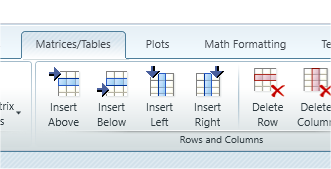
I want to insert a column in table, when i press Shift+space key, table doesn't has any change, but Windows 10 system input method editor change from half characters to full characters.
Like the picture below :


problem solution:
install a new English language to system, when you want to add a new column to table, change the language from local language to English.

Request:
Could PTC MathCAD engineering team change the hot key "shift+space" to others or add switch options?