Hi,
Some examples for the use of the Prime API are found in the API Guide in help. But I am sure you know that, so pictures below are for the benefit of others
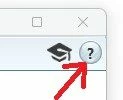
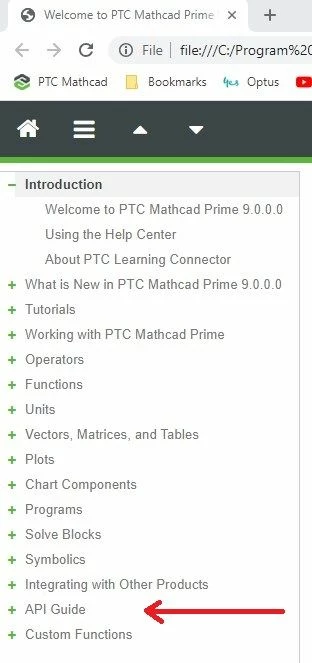
The API Guide has a number of examples but not one for VBA - Excel.
From the guide
>>>>>>>>>>>>>>>>>>>>>>>>>>>>>>>>>>>>>>>>>>>>>>>>>>>>>
Object: Application
The Application object is the only object that you must create (using new). You retrieve all other objects by assigning interfaces.
Refer to the following examples:
•Managed code:
VB,
C#, and
C++ using
ApplicationCreator
>>>>>>>>>>>>>>>>>>>>>>>>>>>>>>>>>>>>>>>>>>>>>>>>>>>>
VBA - Excel is not managed code so needs an Application object.
From the VB-Script example in the API Guide.
__________________________________________________
' Get the Mathcad Prime application object:
Set mathcad = CreateObject("MathcadPrime.Application")
mathcad.Visible = true
mathcad.Activate()
________________________________________________________
This kind of sets the tone for the VBA-Excel syntax. Instead of CreateObject you use New. in VBA-Excel like the guide says.
In PTC University there is an API tutorial. Not sure what language they use for it.

Cheers
Terry

