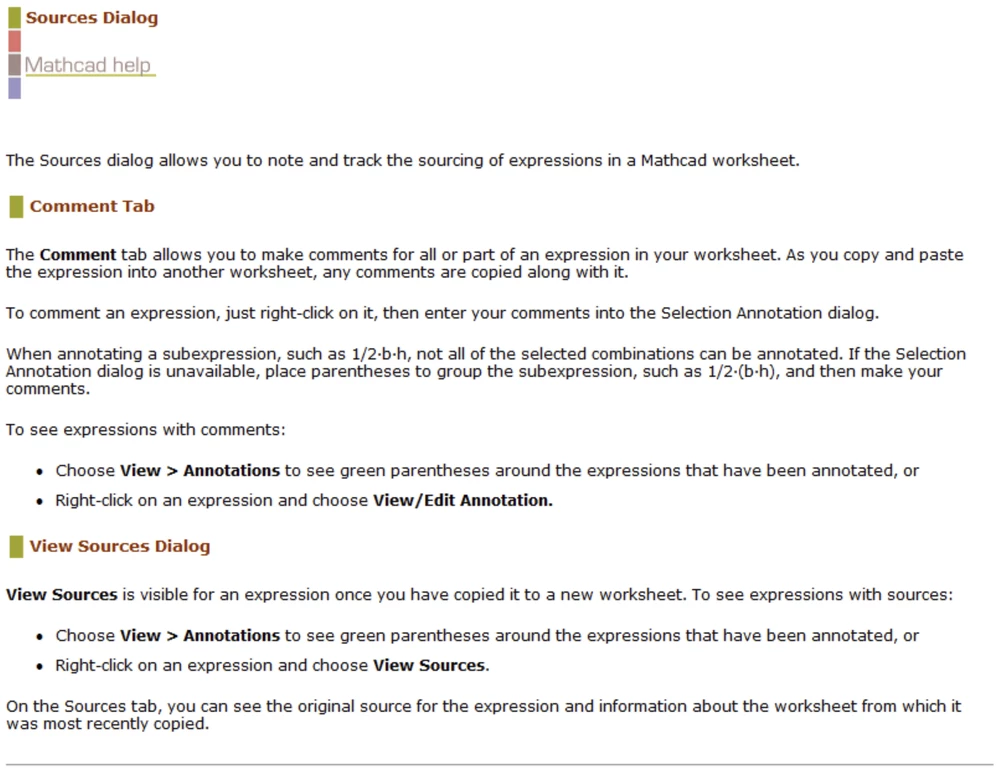
Obviously you are using Mathcad 14 or 15.
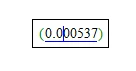
The green parentheses usually just mean that the expression was copied from another sheet (maybe from one of the quicksheets) and was not edited or typed in manually.
Have no idea how this highlighting would be much helpful. You can select the expression and then right click it (can be tricky) to be offered the option "View Sources..."
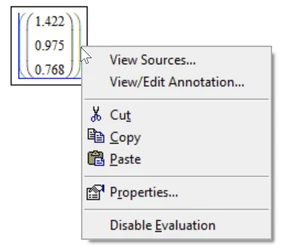
which will give you some information about the sheet the expression was copied from
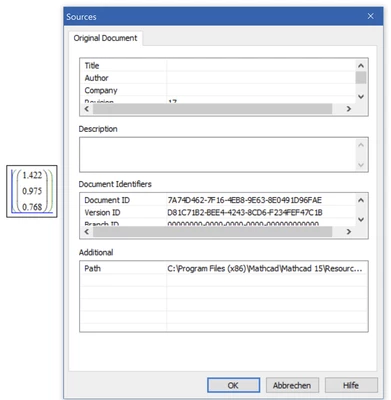
I never found use for this feature, though.
Normally the green parentheses only show when you click in a region which was copied. You can shoe them for all expressions which were copied from other sheets via the menu "View"-"Annotations".
You can delete the parentheses or they disappear automatically once you manually edit the expression.
Here is the appropriate section from the help: