Solved

Werner_EAnswer
25-Diamond I
February 19, 2022
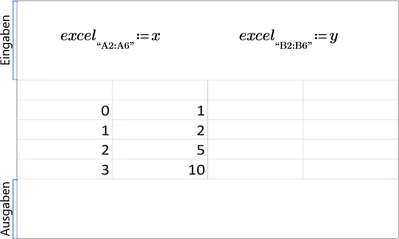
Chances are you once double clicked the excel component and somehow change A1 in Excel. Whenever you did this, the value will remain until you manually change it again.
I created the very same component from scratch in your sheet and did not experience the zero I also see in the component you created.