

Question
How to get MAC address/Host ID?
Please refer below three options:
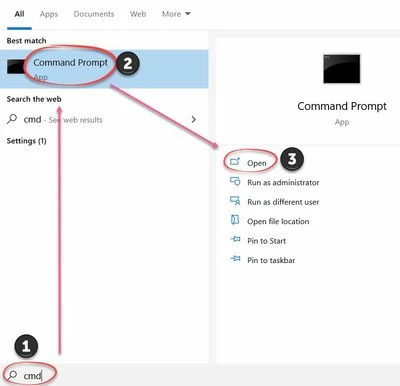
- Click Start > Run > type cmd > OK
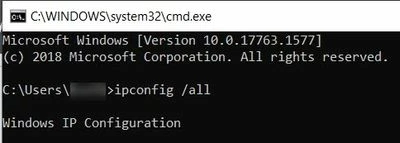
- Run Windows command ipconfig /all
Computer's physical address is value of "Physical address" field under "Ethernet Adapter Local Area Connection"
OR
- Click Start > Run > type cmd > OK
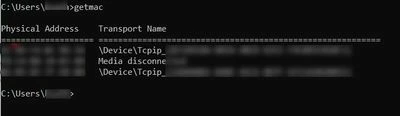
- Type getmac
- Physical address get listed
- For more information, refer to Determining a Machine's HOST ID.
OR
- Open Command Prompt (using Run command cmd)
- Drag and Drop the .exe file (extract from zip) to command prompt
- Press Enter
- PTC HOSTID is generated