

Step by Step Installation Procedure for Mathcad Prime 7.0 Express Edition
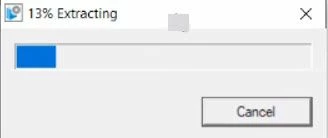
Once the form for Mathcad Prime Express has been filled, an email will be triggered by PTC to user with the link to download the software and execute/run pim_installmgr_mathcad.exe and run it as an Administrator.
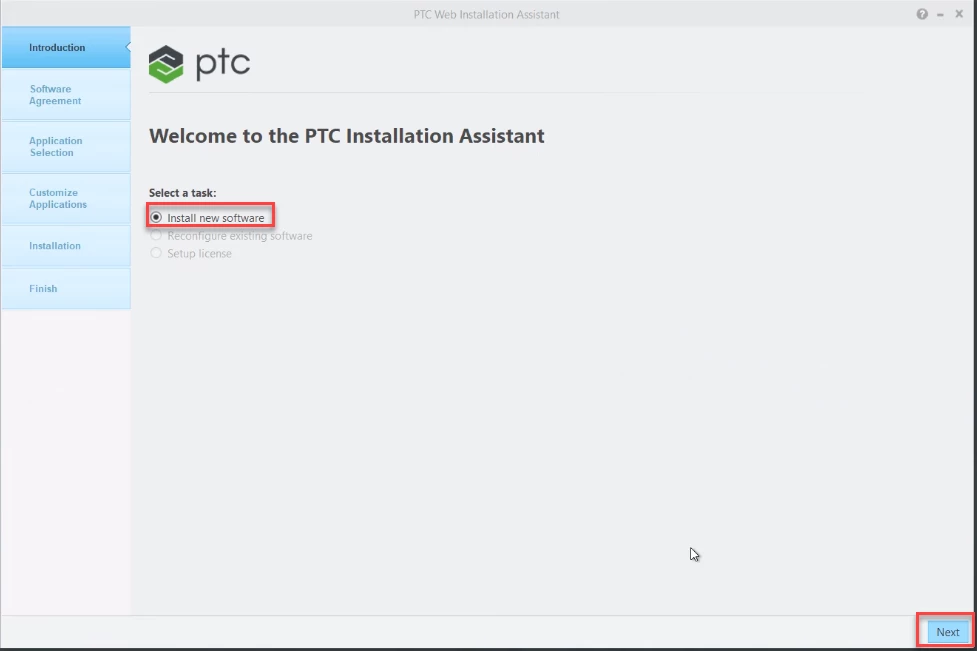
1. Select #Install new Software and Click on #Next
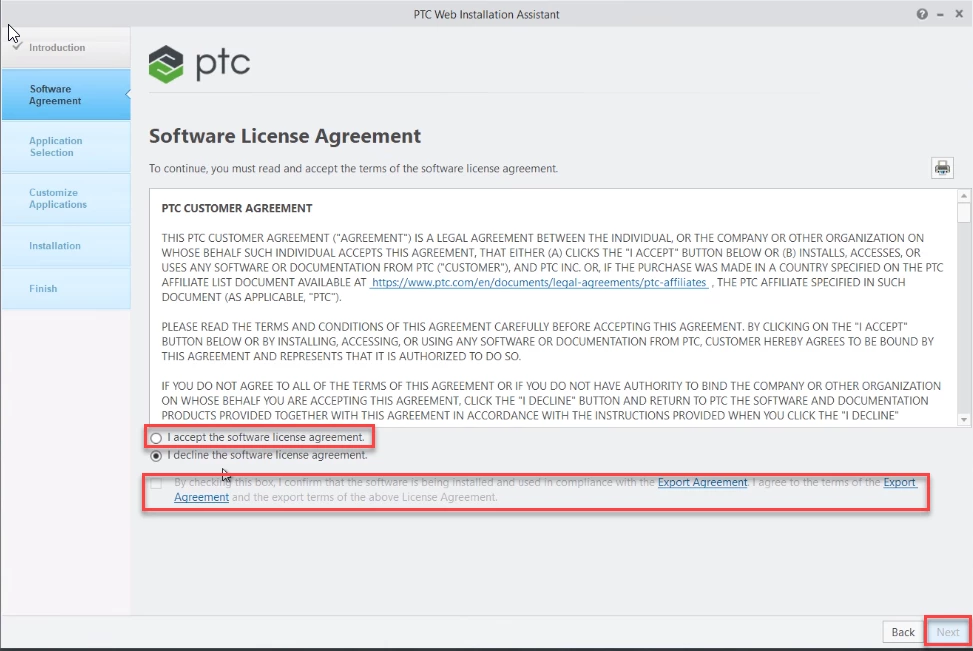
2. Select #I accept the license agreement and Check the box for Export agreement then click #Next
- Use option #Customize to change the help center language or to install help center in multiple languages and to set locations for shortcuts for Prime 7.0
- Choose list of applications need to be installed. By default, all the applications are checked
- PTC Mathcad Viewable Support is required when using Windchill integration, users who do not use Windchill integration may uncheck this component
- To get more information on each of the listed application/utilities and customize, refer to page 20 of Prime 7.0 Installation Guide
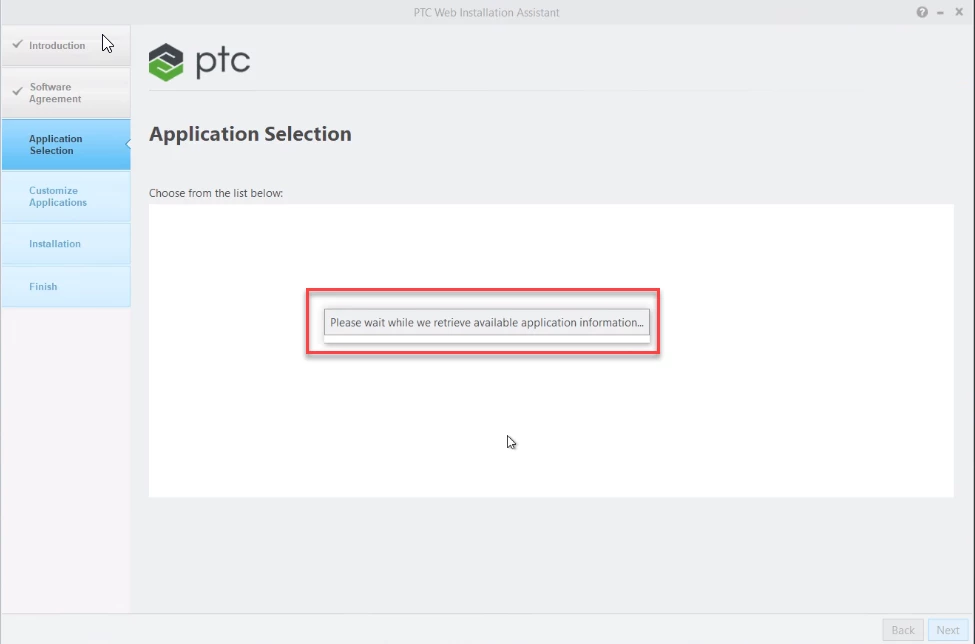
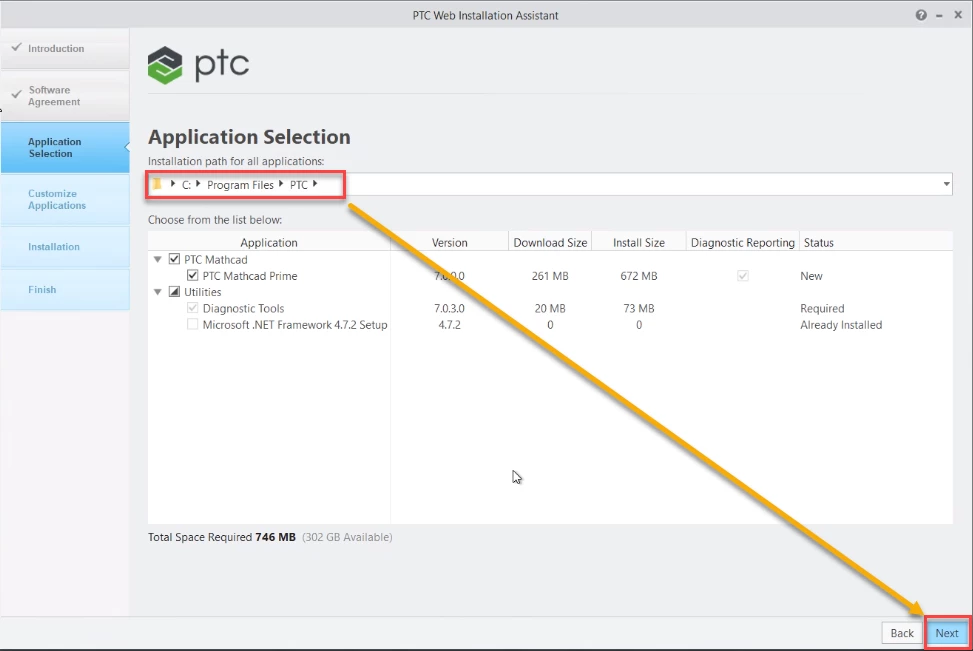
4. Select #Next.
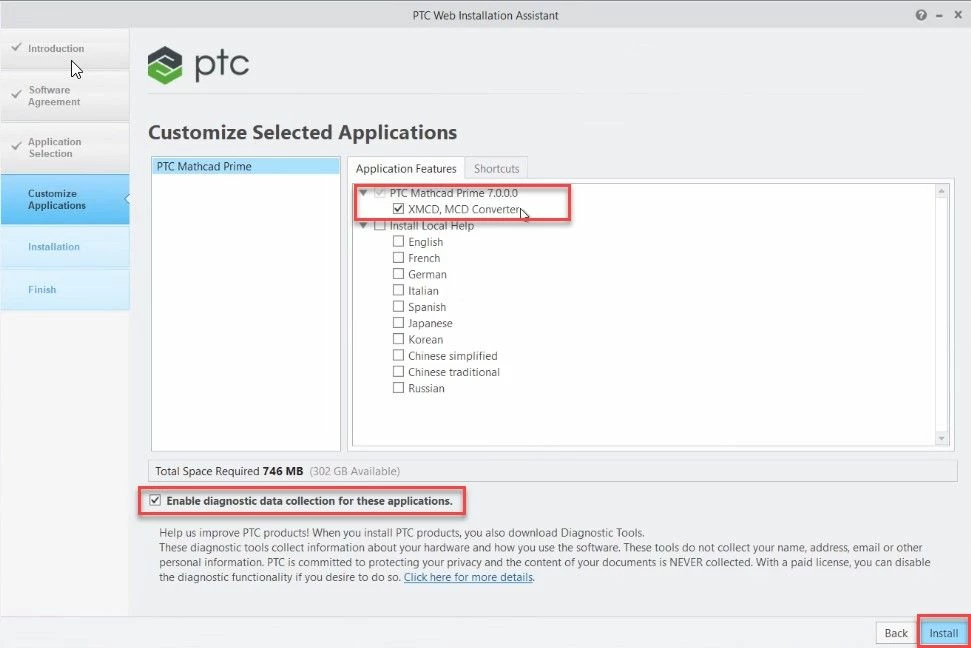
This will trigger a new window "Customize Selected Applications".
Customize Selected Applications:
Use this to Install Standalone Converter with Mathcad Prime 7.0 and local help center in multiple languages also, to modify the windows shortcut settings for Prime 7.0. Choose list of applications need to be installed. By default, all the applications are checked.
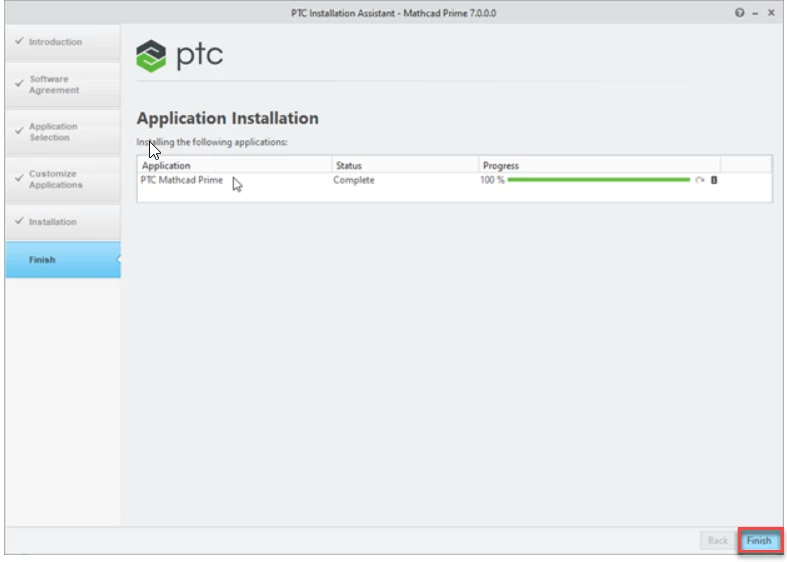
This ends the Installation Process.