

Device SERIES 0i (FOCAS 2 libraries) on Devices List on KepserverEX 6.4
Our problem is Communication between Focas 2 CNC / PMC data window control libraries on the Device and the KEPServerEX Fanuc Focas Ethernet Driver. We need to use SERIES 0i
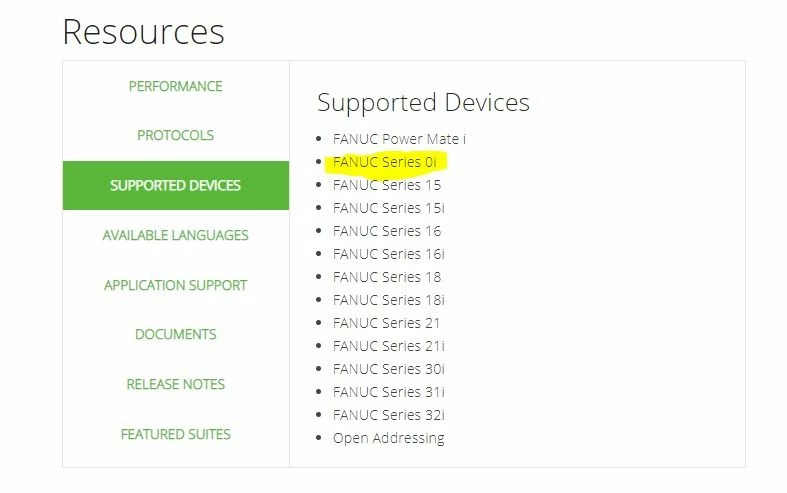
I read the problem topic upload by
And the next topic
https://www.ptc.com/en/support/article/CS281557
My SO is Windows 10 Home Single Lenguage, 64 Bit, X64 proccesor
We have bought the FANUC libraries FOCAS 2 (A02B-0207-K737)
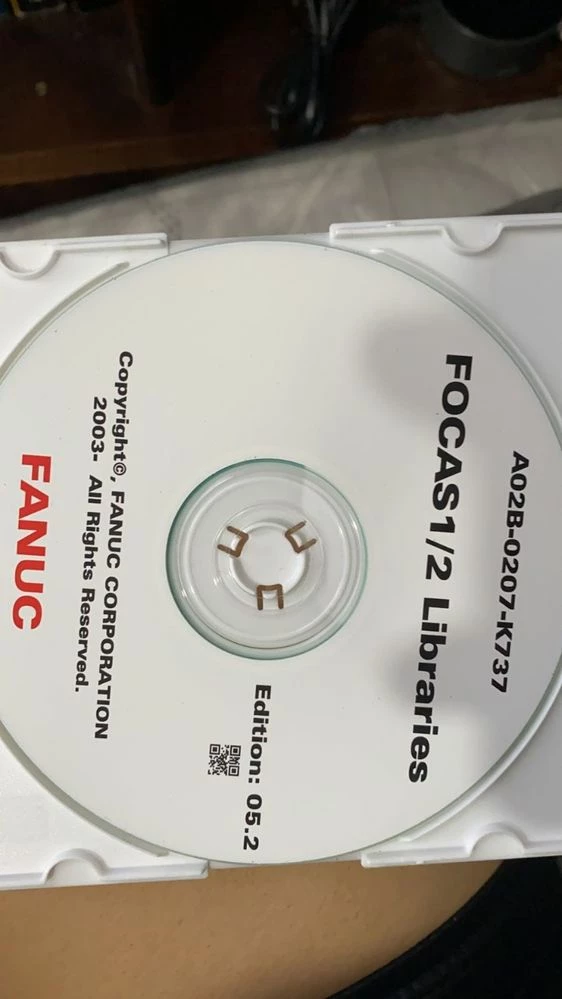
We did the next steps:
- Run the setup.exe
- Rename all files to UPER CASE (included the extension, except the letter i)
- Copy the DLLs like this:
C:\Windows\System32\
FWLIB32.DLL : CNC/PMC Data window control library
FWLIBE1.DLL : Processing library for TCP/IP
FWLIB30i.DLL : Processing library for 30i/31i/32i/35i/0i-F, PMi-A
FWLIB150.DLL : Processing library for 150-B
FWLIB15i.DLL : Processing library for 150i
FWLIB160.DLL : Processing library for 160/180/210
FWLIB16W.DLL : Processing library for 160i/180i-W
FWLIB0i.DLL : Processing library for 0i-A
FWLIB0iB.DLL : Processing library for 0i-B
FWLIB0iD.DLL : Processing library for 0i-D
FWLIBPM.DLL : Processing library for Power Mate-D/H
FWLIBPMi.DLL : Processing library for Power Mate i-D/H
FWLIBNCG.DLL : Processing library for FS31i/32i/35i NCGuidePro
FWLIB0DN.DLL : Processing library for FS0i-D NCGuidePro
And in C:\Windows\SysWOW64\
FWLIB64.DLL : CNC/PMC Data window control library
FWLIBE64.DLL : Processing library for TCP/IP
FWLIB30i64.DLL : Processing library for 30i/31i/32i/35i/0i-F, PMi-A
FWLIB0iD64.DLL : Processing library for 0i-D
FWLIBNCG64.DLL : Processing library for FS31i/32i/35i NCGuidePro
FWLIB0DN64.DLL : Processing library for FS0i-D NCGuidePro
and both this files in C:\Windows\SysWOW64\ too
FWLIB32.DLL : CNC/PMC Data window control library
FWLIBE1.DLL : Processing library for TCP/IP
4. We stoped and restart the Runtime. Nothing... 😞
5. Restart de SO. Nothing... 😞
But we can´t see the SERIES 0i in the devices list, SERIES 0i doesn´t appear on the list
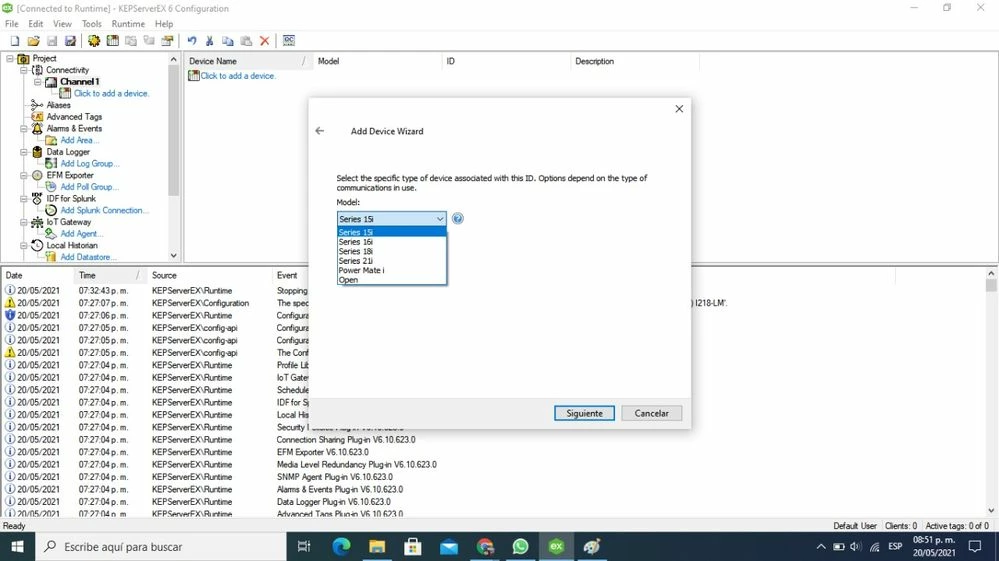
What are we doing wrong?
Thanks
Matías