
5-Regular Member
July 19, 2017
Solved

Error in PostgreSQL installation. What should I do to fix this?

  • July 19, 2017
  • 2 replies
  • 3916 views

Hello there,

I tried to install ThingWorx Manufacturing Apps in my laptop and these pictures are the erros that was shown.
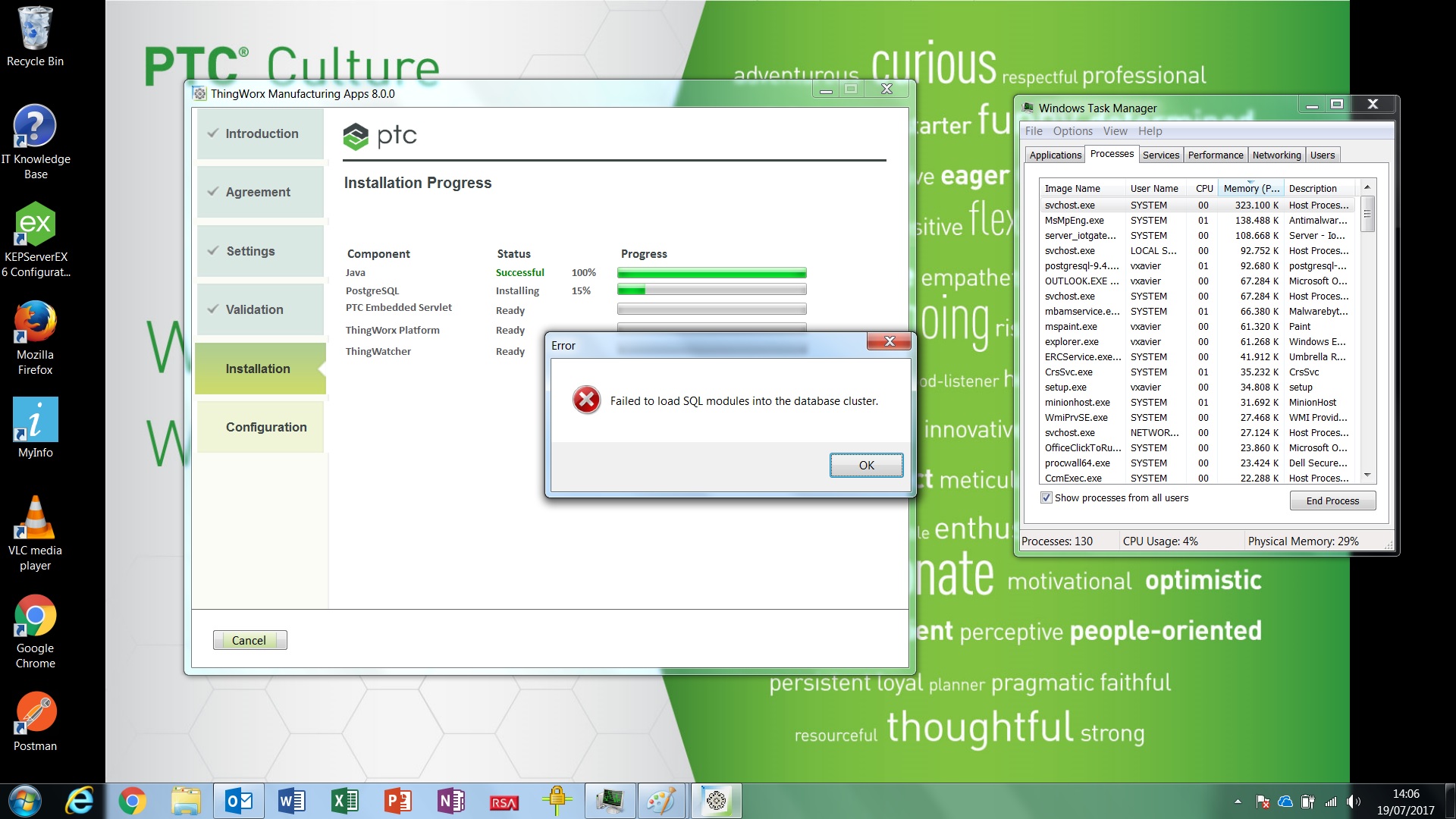
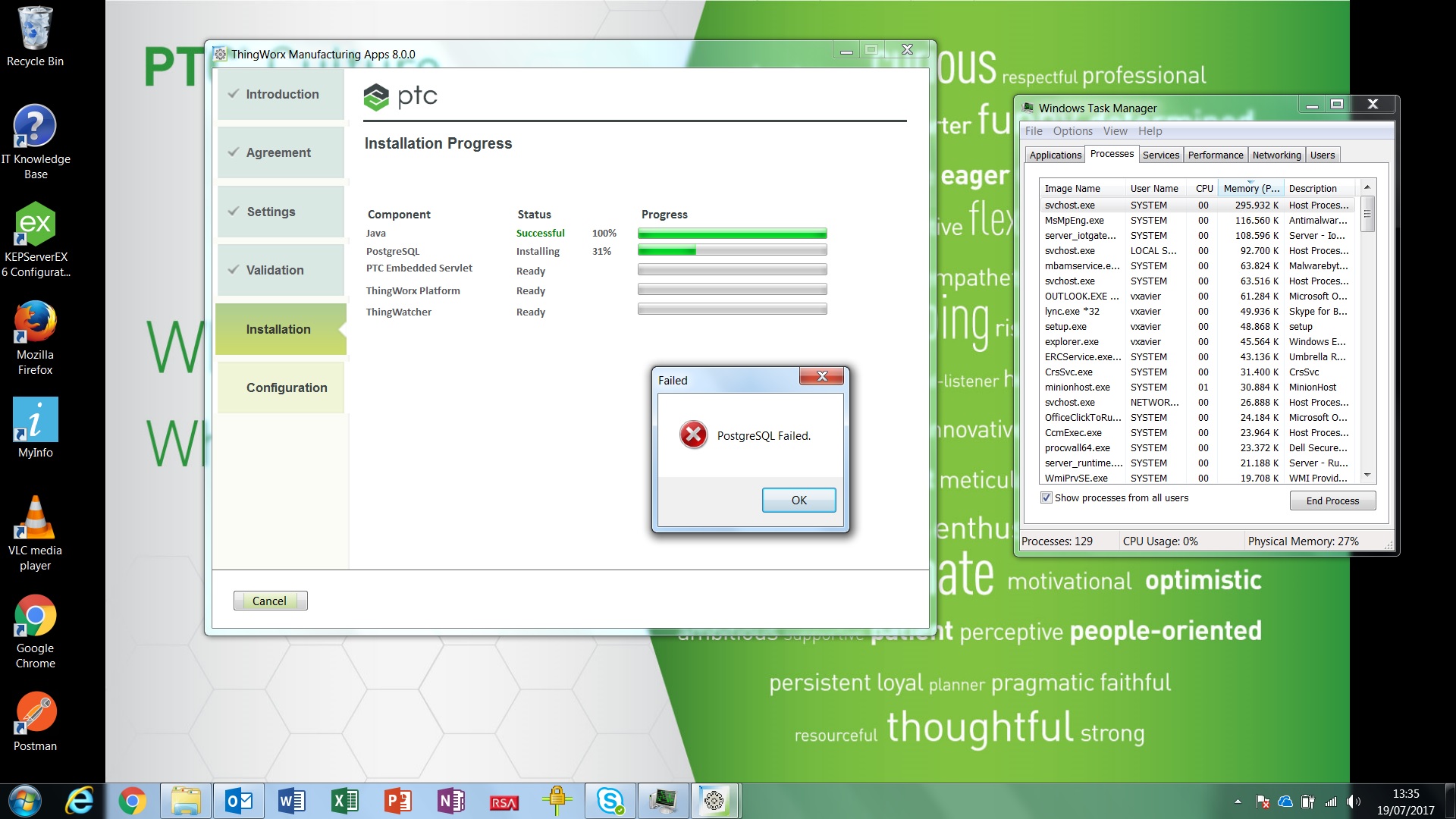
ps0.jpg

ps1.jpg

What I tried:

     - Uninstalling everything about the Manufacturing Apps, including PostgreSQL, restart the machine and try again.

     - Try to install without any app running in the same time.

     - Install the Manufacturing Apps step by step. It failed in the PostgreSQL installation.

My laptop:

     Dell Inc. Precision M4500

     Processor Intel Core i7 CPU      Q 820  @ 1.73 GHz  1.73GHz

     Ram memory      16 GB

Best answer by posipova

You may try creating a data folder (instead of Program Files/PostgreSQL/9.4/data) in your root partition and assigning full control permissions to "Everyone". This is very likely a permission issue.

2 replies

posipova20-TurquoiseAnswer
20-Turquoise
July 19, 2017

You may try creating a data folder (instead of Program Files/PostgreSQL/9.4/data) in your root partition and assigning full control permissions to "Everyone". This is very likely a permission issue.

vxavier5-Regular MemberAuthor
5-Regular Member
July 20, 2017

The error with PostgreSQL I fixed cleaning the registry in Windows.

5-Regular Member
February 5, 2018

Hello Polina,

I still have the same problem. Let me know if you can help me here.

Avinash

12-Amethyst
February 5, 2018

Is it possible to provide installation log. You will find in the folder where you are running your setup program.

Thanks,

Varathan