Problem with Custom Control Apps Display in ThingWorx Manufacturing Apps Factory Demo
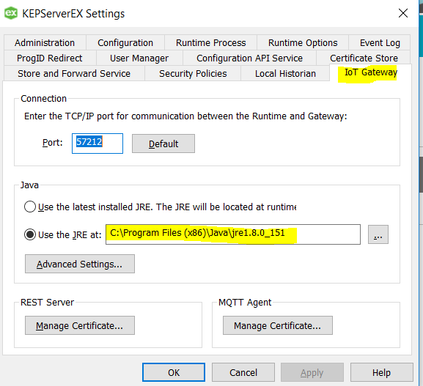
Currently, I'm doing a Projects & Guides with the name 'Connect Factory Assets Using Controls Advisor (Guide 1)' in ThingWorx Developer Portal. I use ThingWorx Manufacturing Apps Trial as instructed by the guide.
I use:
-ThingWorx-Manufacturing-Apps-8.3.0-05.exe (all in one installer) with the port config set to 8080 (default 9080)
-KepServerEx 6.3
(both in the same machine)
I have followed all the instruction and step until I found a problem in Step 4: Monitor Servers, Assets and Devices, right after I open the Custom Control Advisor Menu it show error like this picture below :
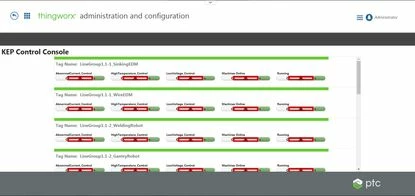
Looking back to Step 3: Configure Factory Simulator Data, all instruction until load data-0.twx, in ThingWorx Composer, results in a successful message.
When I check ApplicationLog in Monitoring in Sidebar Menu, it shows:
[context: com.thingworx.webservices.context.HttpExecutionContext@5efc02c0][message: Execution error in service script [ReadProperty] :: Connect to 127.0.0.1:39320 [/127.0.0.1] failed: Connection refused: connect]
I check in controller service script and there are 6 scripts, one of the is ReadProperty as mention in the error, but no clue which one is the suspect.
So, anybody knows what is happening here?