

1-Visitor
December 9, 2016
Question

how do you turn off vertices (red boxes) in work planes
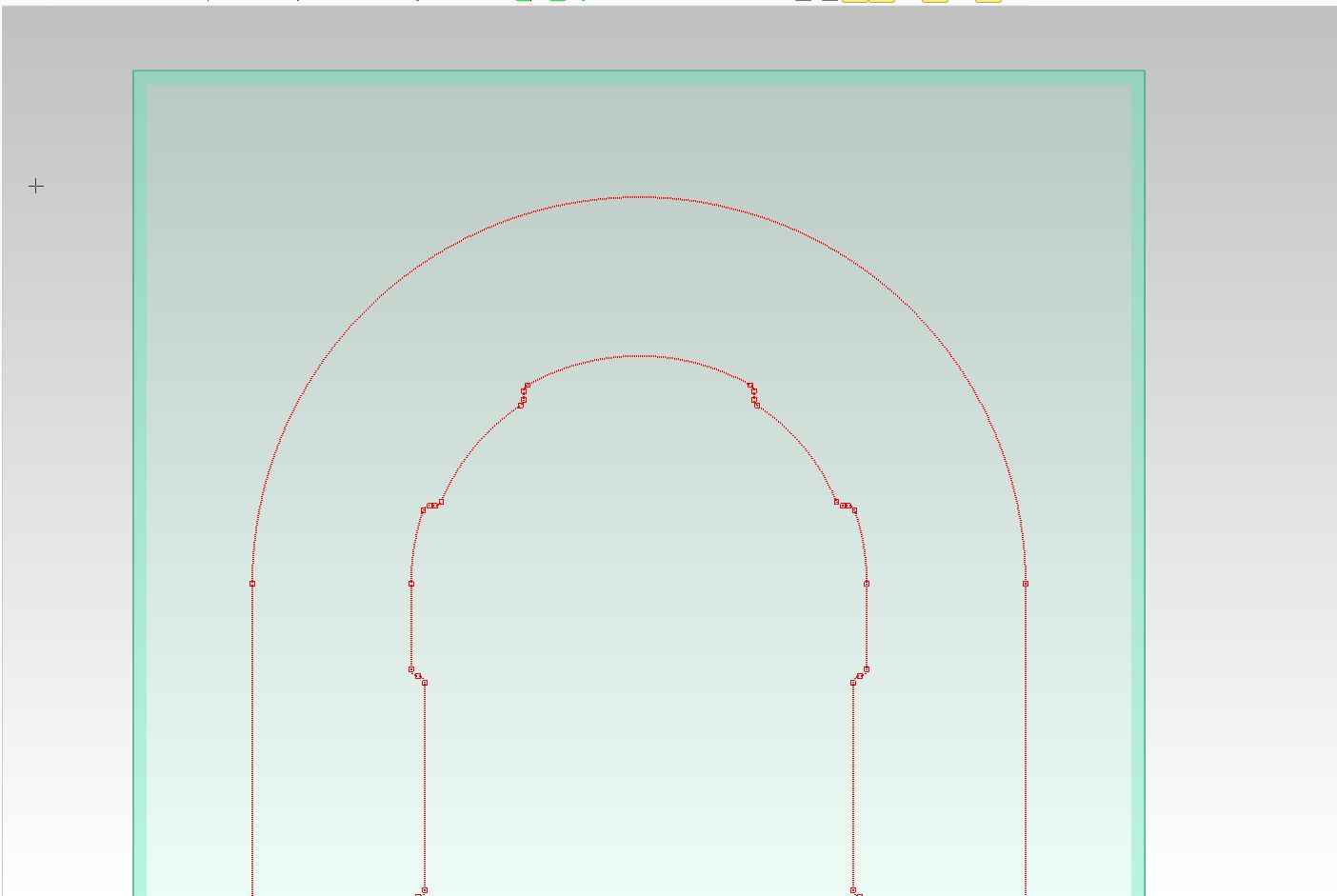
Capture.JPG


This thread is inactive and closed by the PTC Community Management Team. If you would like to provide a reply and re-open this thread, please notify the moderator and reference the thread. You may also use "Start a topic" button to ask a new question. Please be sure to include what version of the PTC product you are using so another community member knowledgeable about your version may be able to assist.

4 replies

15-Moonstone
December 9, 2016

Go to the Show Properties and turn off Vertices on the Workplanes tab.

1.jpg

Translate
thigdon1-VisitorAuthor
1-Visitor
December 9, 2016

OK, that is the window I've been trying to find !

How do I get to it in 19.0 ?

Thanks for the help.

Translate
15-Moonstone
December 9, 2016

If you right click in the viewport you should see Show Properties... on the pop up menu.

Option two, click File | Settings | Viewport | Show

Translate