Solved
Modelling Express 6.0 Drill Holes
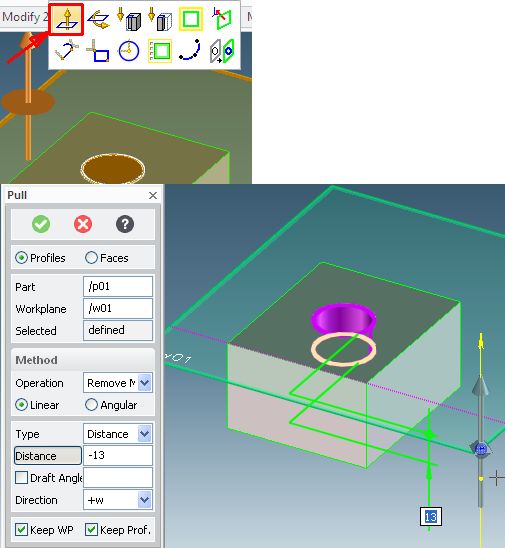
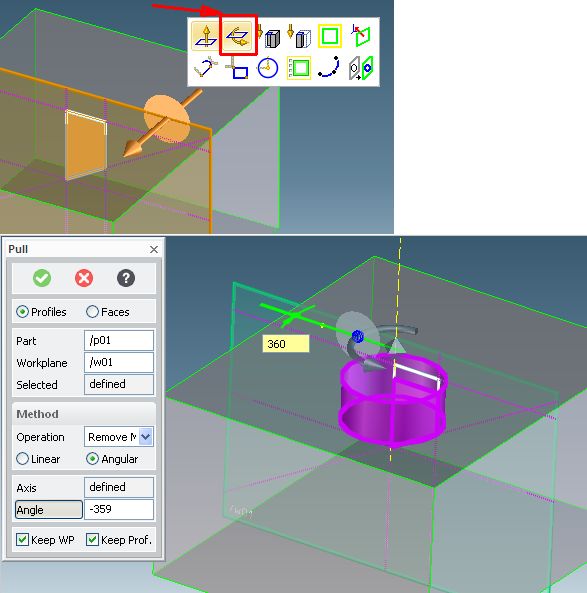
Hi I am new to Modelling Express this seams an obvious question but how do I drill a hole in an existing model. I have an STL from a manufaturer for a simple ABS plastic box consisting of 6 parts the base, the lid and the 4 screws. My question is how do I drill a hole in the base I have created a workplane and drawn a circle but I cannot seem to create a hole in the one side of the box. If I use punch it goes through both sides of the base. When I look online there is only reference to the drill command which is not present in modelling express. So how do I do it?
This thread is inactive and closed by the PTC Community Management Team. If you would like to provide a reply and re-open this thread, please notify the moderator and reference the thread. You may also use "Start a topic" button to ask a new question. Please be sure to include what version of the PTC product you are using so another community member knowledgeable about your version may be able to assist.