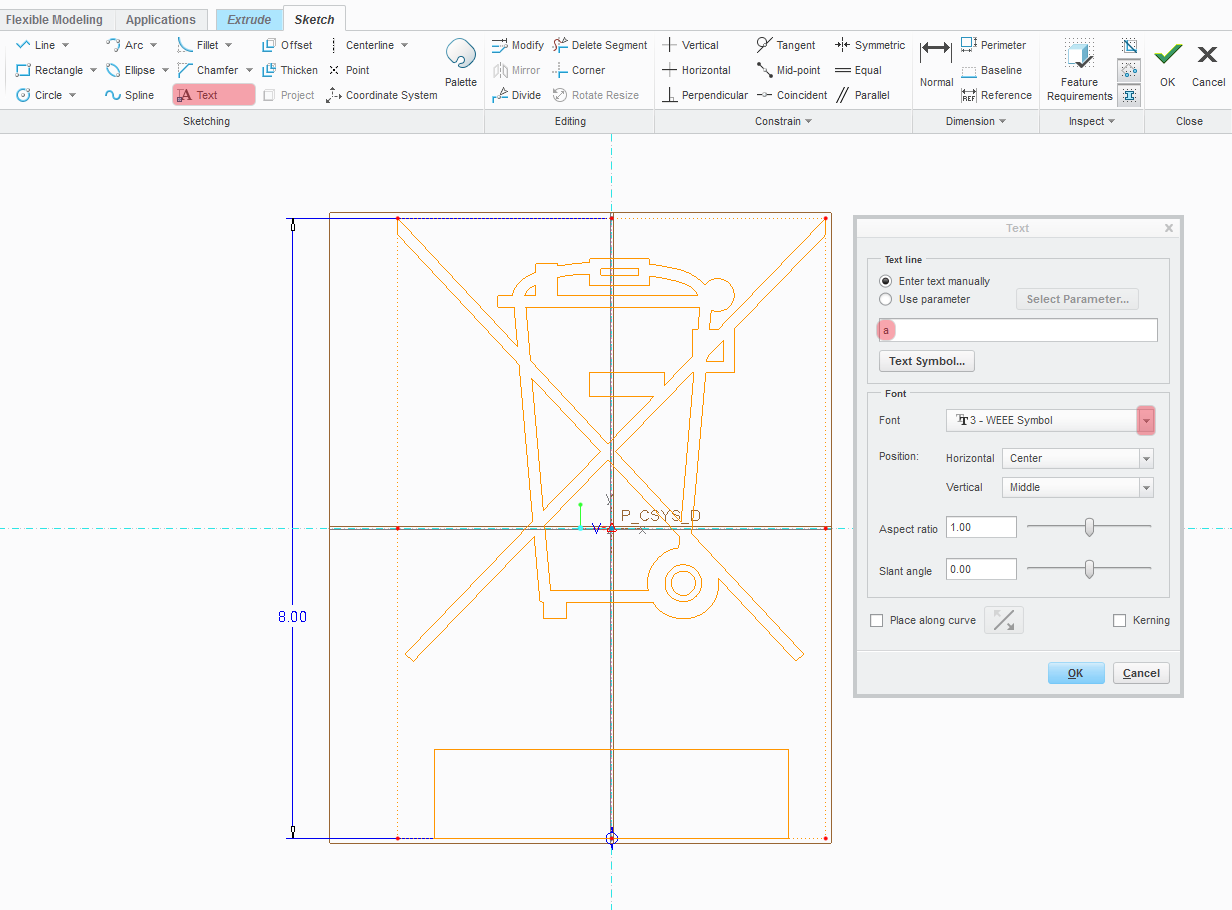
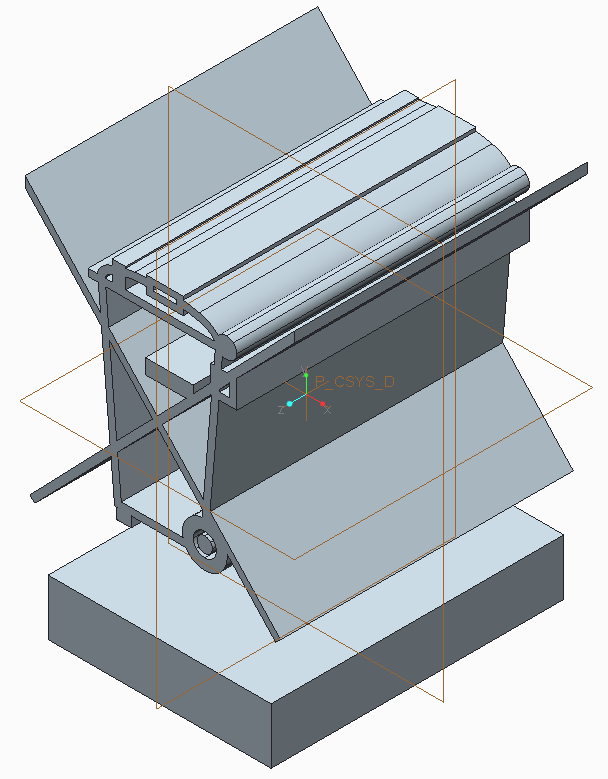
So it's been a while, but I got round to creating a WEEE symbol as a True Type font, and it seems to work ok in sketcher, but can be a bit flaky when resizing (best done in small steps or use another font then change to this one once you've got the size correct), I think this is because of the fine detail.
So I've attached the font I've created, but please beware that you use it at entirely your own risk I take no responsibly what so ever for loss or damages cause by using it, although I've taken care to replicate the symbol correctly I recommend double checking it for yourself before using, also make sure it is not distorted in any way as you could be in breach of the symbol standard, and personally I wouldn't use it any smaller than 8mm again as to not breach the symbol standard.
So with the boring bit out the way here's how to use it:
- Download the font
- Either install the font as a Windows system font and make sure the "pro_font_dir" in your config.pro is set to C:\Windows\Fonts or If you have a different pro_font_dir directory set as your company default copy the font to that directory.
- Make sure you restart you Creo session so it picks up the new font.
- In Sketcher, Selected the text tool, choose your position and size, then when the dialog box opens type the letter 'a' as your text and then choose 3 - WEEE Symbol from the font dropdown.