Question
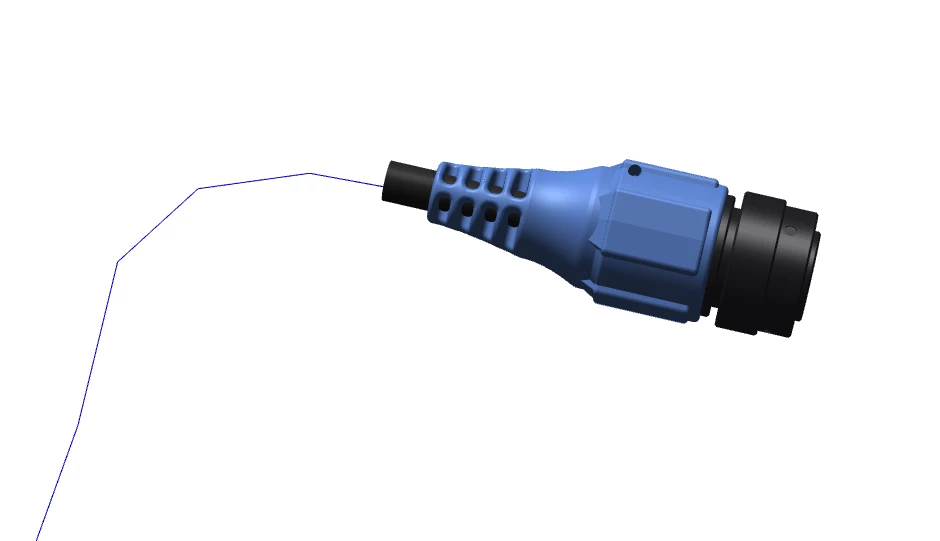
Cables show as centerlines in Creo Illustrate
Hello all,
We are having issues, where all of our cables are showing only as a centerlines in illustrate and creo view. This is a problem when we need to show cable routings. i have tried turning on all the model filters. I know our design team uses the cable module from creo parametric, i had them try to set the "display cable thickness" on from there end. then saving it to windchill, but no luck.
All of our Cad data is uploaded to windchill, which creates GDD(pvz) files that we import into creo illustrate.
Are we missing modules or is there something in winchchill thats causing this?
Thanks
We are running creo parametric 4.0, Windchill 11.0 , Creo View Lite 4.0, Creo Illustrate 5.0 Professional