
1-Visitor
October 8, 2019
Question

Create surface borders setting in Creo 5.1

  • October 8, 2019
  • 1 reply
  • 1013 views

Hi all,


In Creo 5.1 you have the option to select "create surface borders" in the Figure view options.

When i select that option, the technical drawing looks perfect in Creo itself:
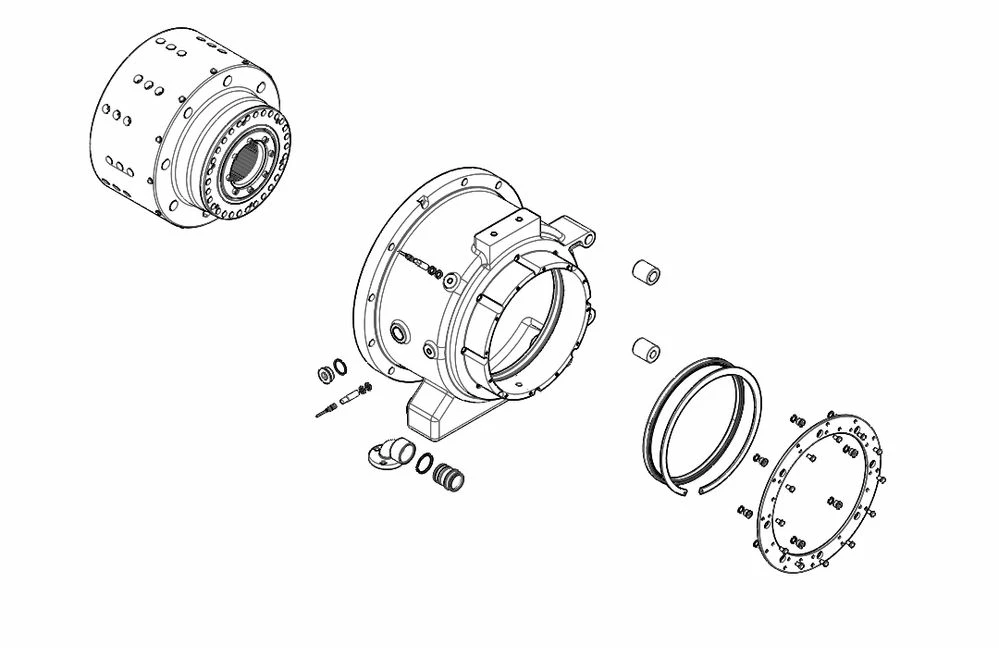
view01.jpg


But when exporting to svg it looks like this:
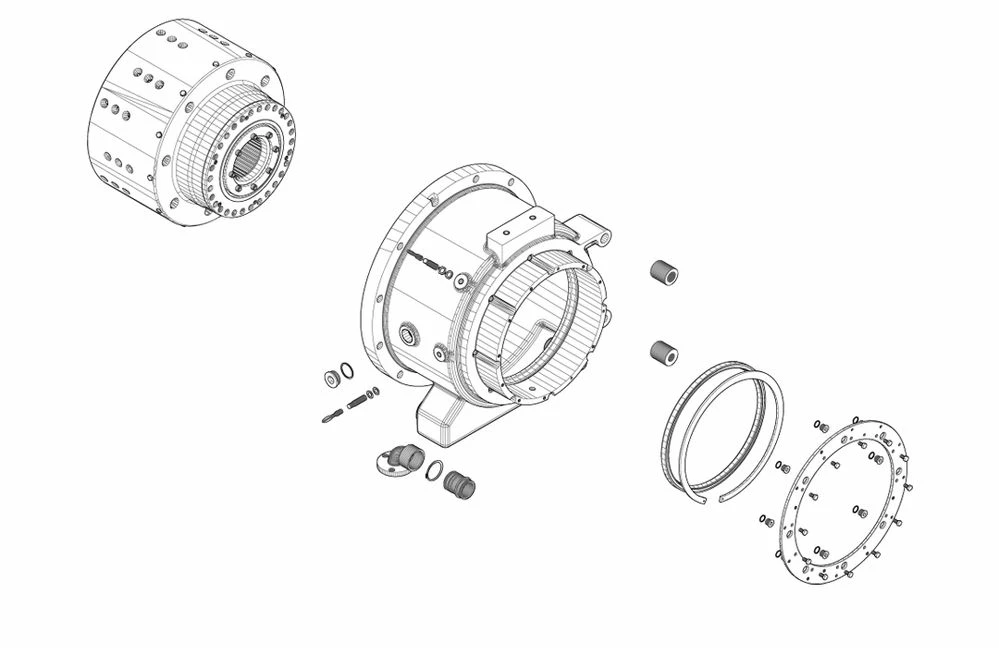
view02.jpg

It has too much lines.


Can anyone help me with this? I want the output to be the same as the first image.


ps: when testing this in Creo 3.1 it works like a charm 😉


tnx!


1 reply

16-Pearl
October 14, 2019

Does this happen when exporting a 2D figure to SVG or a 3D figure?
Either way the resulting svg should look the same as figure in illustrate, so could you contact tech support so the case can be investigated to see why you are getting different resilts.


You can open a support case here: https://support.ptc.com/apps/case_logger_viewer/cs/auth/ssl/log


Thanks