

Question
Creo View - How to turn off edges for cylinder halves
We're trying to use Creo View to capture screen shots for documentation but extra lines are showing up in Creo View that don't appear in Creo Parametric:
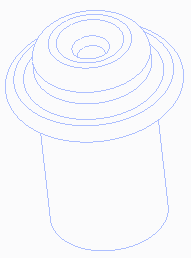
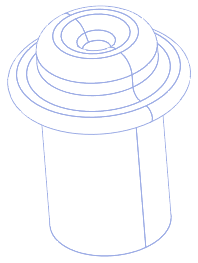
These lines appear to be where Creo Parametric splits each of the cylindrical surfaces:
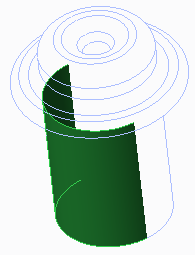
Does anyone know if it's possible to either turn off the display of these lines in Creo View or configure the Creo View Adapters so they don't get published?