

EMRGENCY: "Markup object no longer exists" - Cannot save Annotation Set / PVZ
I am currently working in Creo View 10.0.0.0 (standalone) and have an active session open with hours of unsaved work on a fairly large assembly in PVZ format (with sections, color coding, visibility states).
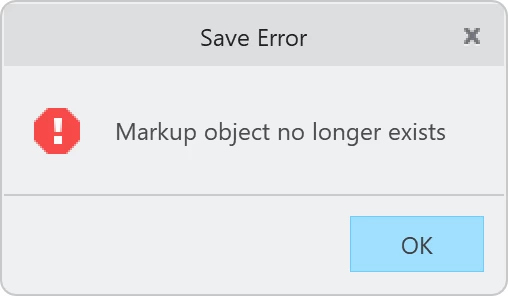
When trying to save the active view as an Annotation Set, I receive the following error:
Symptoms:
-
The newly created Annotation Sets appear as black squares in the sidebar instead of regular thumbnails and are not loaded on double click.
-
In Windows file Explorer, the original .pvz does not update. Instead, temporary files like [filename].etb.~1~ are generated, indicating the save process aborts before the container is packed.
-
Using "Save As" for the .pvz to a new folder results in a file where the Annotation Sets are broken in the same way. The same happens when saving a copy as *.pvs.
Question: The session is still open and the visual state is intact in my RAM. Is there any known workaround to force-save this current state? How can I identify and isolate the specific broken markup preventing the save, or extract the annotation set data directly from the active session before closing the application?