

Font Issue when saving Figure out as SVG - Creo Illustrate 11.1
Hi All,
My team is newly adopting Creo Illustrate. I have ~5 years of experience with it myself.
The issue we are running into relates to the newer feature of setting a Font for callouts and such.
The font in our company has in its branding is Roboto Condensed. We have downloaded this font from Google
https://fonts.google.com/specimen/Roboto+Condensed
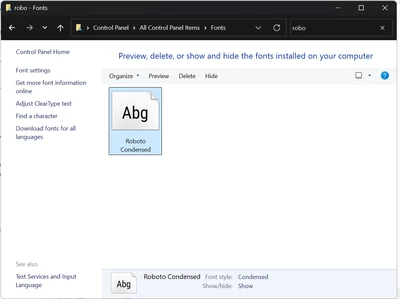
Within the Windows Control Panel, we made sure to only install Roboto Condensed Regular 400. We noticed if you have multiple versions of a font, it is challenging to tell Creo Illustrate which one to use. We ensured it was the TTF version of the font.
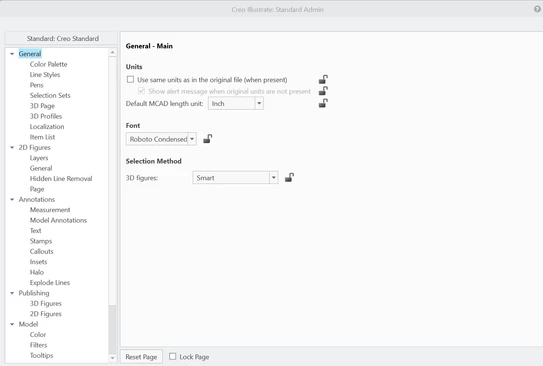
Within the Admin Tool, we set the font to Roboto Condensed.
Inside Creo Illustrate, we built up callouts on our models. The font displayed correctly, as Roboto Condensed Regular.
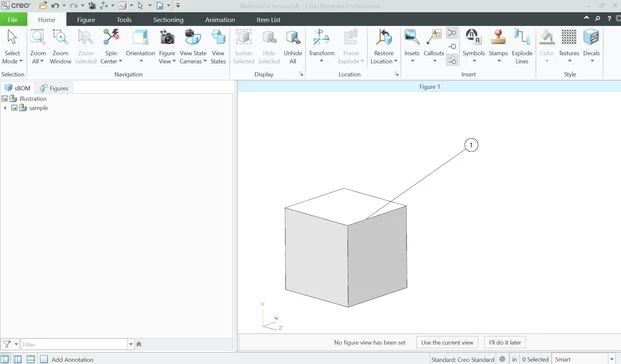
Now we have our issue. When I "Save Figure As" as an SVG (with the following settings) -
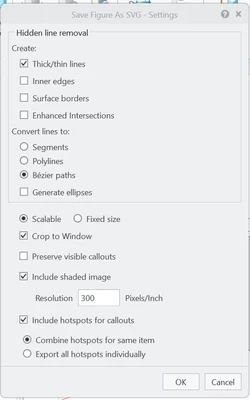
The SVG comes out as Arial Unicode MS

I do see that the Documentation says it will default to Arial if the font is not on the current computer, but Roboto Condensed Regular is and is shown in the Admin tool, and is displaying correctly inside Illustrate itself.
Would anyone be able to let me know if I'm missing a setting? Or if this is a bug or current limitation?
Thanks!