19-Tanzanite
January 8, 2020
Solved

How to change Spin Center for wrench object in Creo illustrate

  • January 8, 2020
  • 1 reply
  • 3776 views

Hello all,


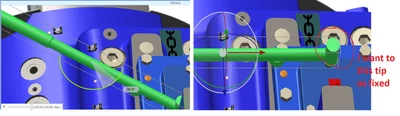
I'm trying to create some sequence in creo illustrate, I have added wrench from object. When I rotate wrench it rotate at center, I want to rotate wrench with tip of wrench is fixed to bolt. PFB PNG for reference.
 

Velkumar_1-1578458092924.png


Best answer by agarland

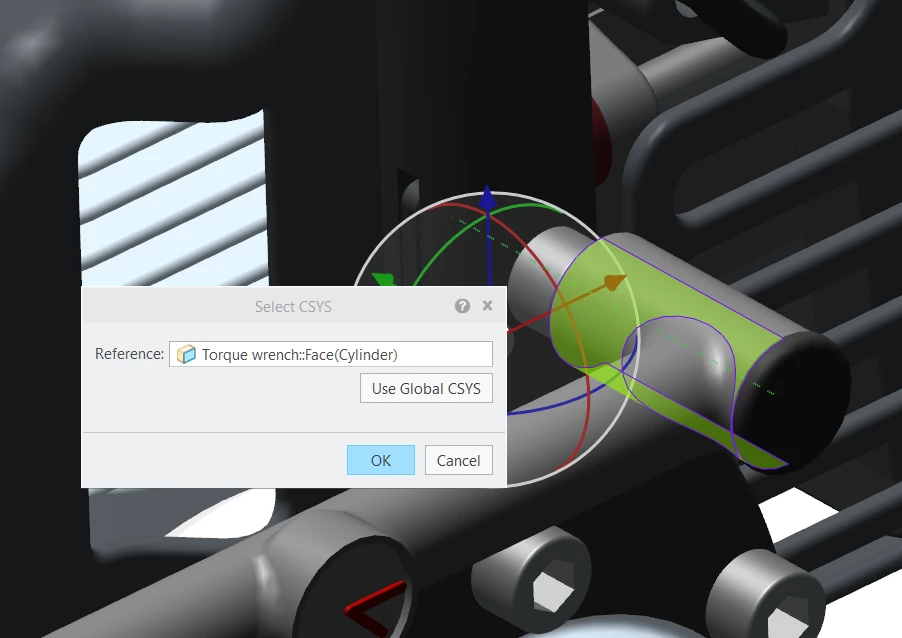
To change the the csys you need to:

  1. Select the part
  2. Right click and select "Location>Select csys"
  3. You can now define the new csys

For the wrench I would first select the cylindrical face (which then shows the axis)

Then select the axis you want to rotate around.

Select new csys.png


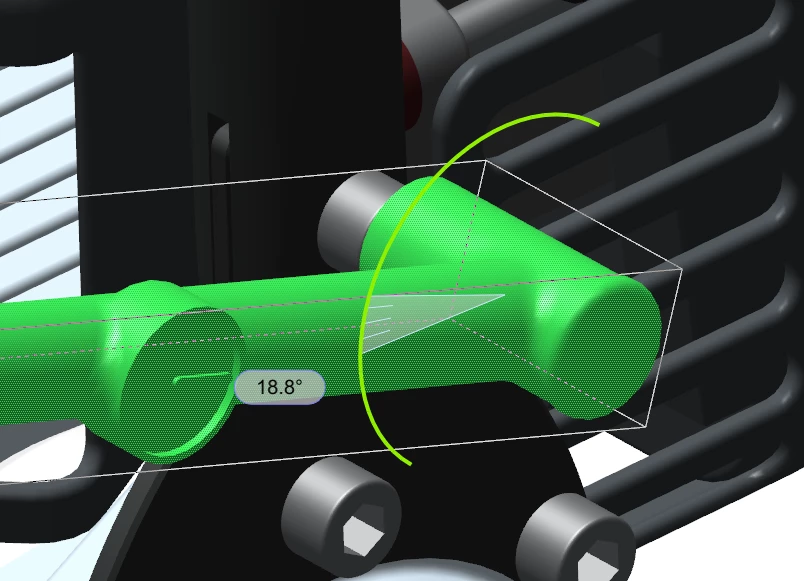
Rotate around new csys.pngHope this helps.


1 reply

agarland16-PearlAnswer
16-Pearl
January 8, 2020

To change the the csys you need to:

  1. Select the part
  2. Right click and select "Location>Select csys"
  3. You can now define the new csys

For the wrench I would first select the cylindrical face (which then shows the axis)

Then select the axis you want to rotate around.

Select new csys.png


Rotate around new csys.pngHope this helps.


Velkumar19-TanzaniteAuthor
19-Tanzanite
January 9, 2020

Thank you @agarland . It works.