Solved
STEP AP242 file is not displaying the model annotations in Creo View 8
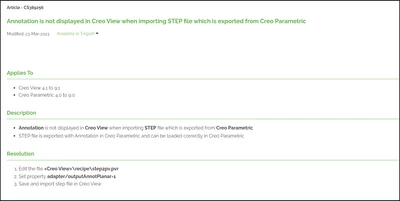
Good morning, I have a sample STEP AP242 file that I have opened in Creo View 8 and none of the annotations are displayed. I have the annotation filters checked and I have updated the step2pv_import3D.rcp to include these three lines:
adapter/outputAnnotPlaner=1
adapter/outputAnnotFloat=1
adapter/outputAnnotScreen=1
I can open the STEP file in Creo Parametric and the annotations are visible. I then save the Creo file as a PVZ and the annotations are visible in Creo View. I cannot see the annotations when opening the STEP file in Creo View. Any suggestions?