

1-Visitor
March 30, 2013
Solved

Creo 1.0 Crash

  • March 30, 2013
  • 1 reply
  • 1630 views

Well, my problem is i just got a new laptop,an Asus G55vw. installed Creo 1.0 and when i start the program it just shows the frame of the window, and then says it stoped working.

I have an nvidia geforce gtx 660m 2Gb
Windows 8-64bit

intel core i7-3610QM

12,0 GB RAM

Thank you very much

Any help is highly appreciated

Daniel
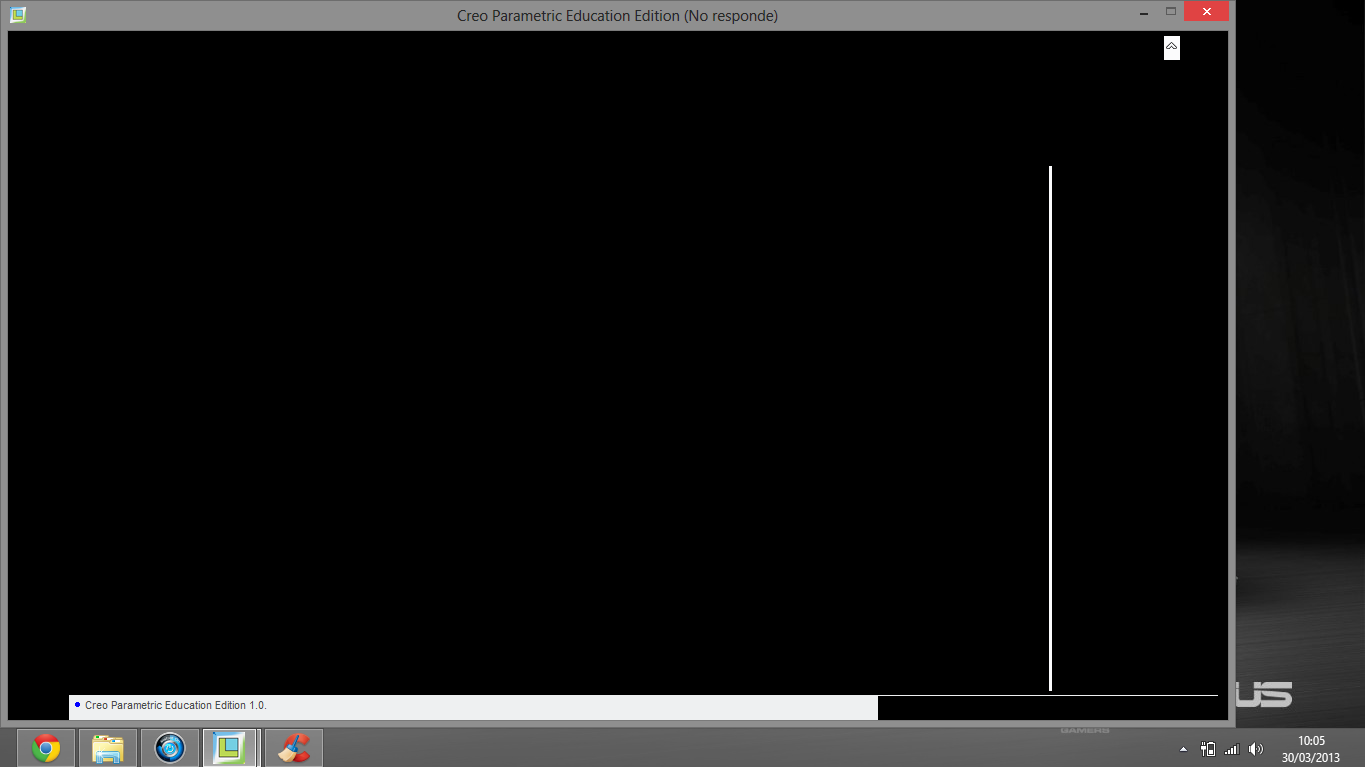
PTC.PNG

    Best answer by

    Daniel,

    This is a graphics problem. Updating your graphics driver will most likely fix it (yes, even on a new computer).

    This post contains more details about various solutions and graphics options.

    Regards,

    Adam

    1 reply

    Answer
    April 1, 2013

    Daniel,

    This is a graphics problem. Updating your graphics driver will most likely fix it (yes, even on a new computer).

    This post contains more details about various solutions and graphics options.

    Regards,

    Adam

    1-Visitor
    April 2, 2013

    Indeed it was the GPU drivers, thank you very much for your help!

    Regards,

    Daniel