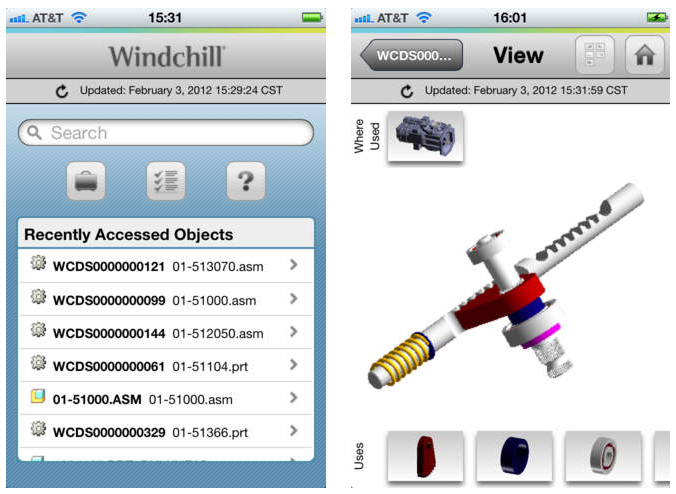
Creo View Mobile for iOS Devices
Want to take your CAD files with you on your iPod, iPad or iPhone? Go for it with Creo View Mobile.
This FREE app will let you you view any CAD files that have been saved in the PVZ format. Just pick File, Save A Copy and change the file type to "Creo View PVZ". Easiest way to get it on your mobile device is to email it to yourself and open on your mobile device with the Creo View Mobile app installed. This is a great way to create a digital portfolio or engineering notebook of your designs to share with FIRST judges at the competitions.

If your team is using Windchill for CAD data management, you'll want to pick up Windchill Mobile app. It comes with Creo View Mobile built-in and allows you direct access to the files you've uploaded in Windchill.