1-Visitor
April 28, 2014
Question

Creo View Navigation - A Fun Exercise

  • April 28, 2014
  • 6 replies
  • 2462 views

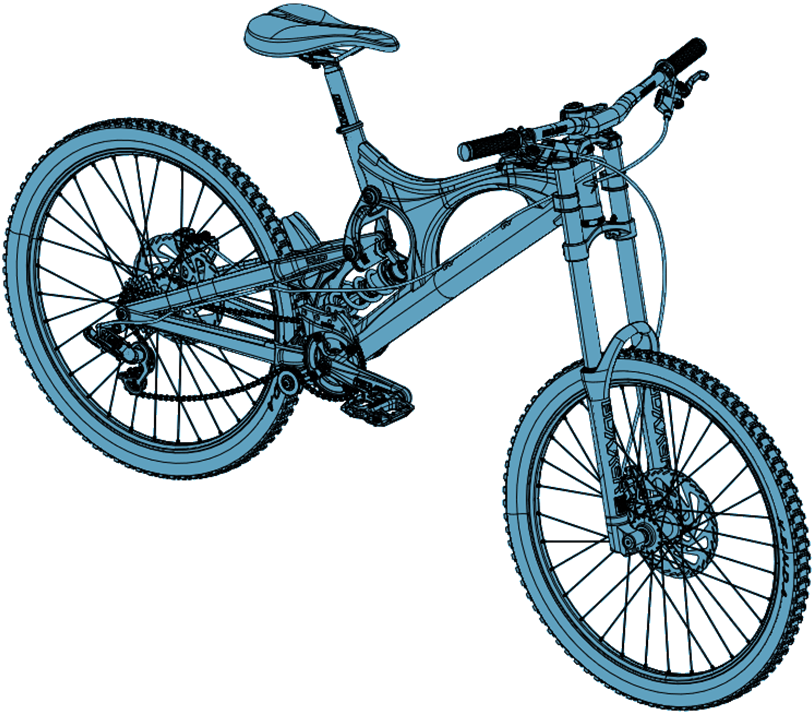
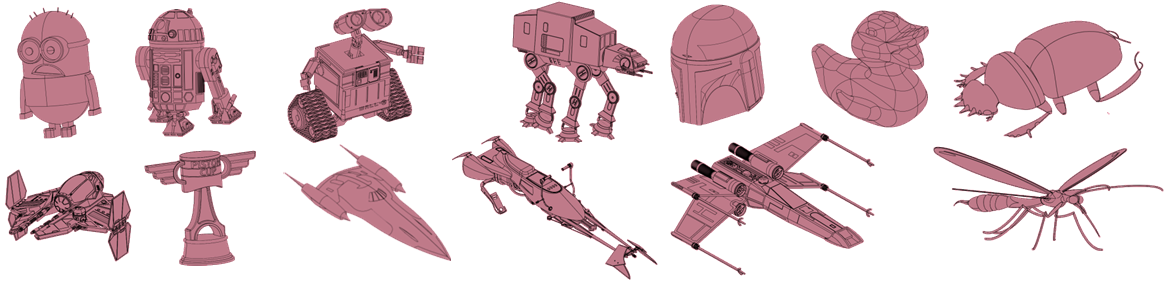
No hints, no tips. Try your best to locate the following items in the Santa Cruz downhill racing bike using Creo View.

You'll have to pan, zoom, spin and hide items to find them all...


The Creo View PVZ file and instruction PDF are linked below.


stuff2find.png


bike.png

6 replies

1-Visitor
April 28, 2014

Found them! 

SantaCruzFun.jpg

1-Visitor
April 28, 2014

I know...vague response.  I'll leave it to the "students" to be more detailed 

sm_011-VisitorAuthor
1-Visitor
April 28, 2014

All the credit goes to Todd Kraft for putting this exercise together. Some of these are tough to find until you know all the Creo View capabilities.

1-Visitor
May 9, 2014

Can this file only be opened in the Creoview app on a ipad?

I was hoping to use this to help some newbies learn to navigate parametric.  Do you have the creo files that can be opened in parametric?

Thanks

sm_011-VisitorAuthor
1-Visitor
May 9, 2014

Unfortunately, these are all Commerical CAD files and they cannot be opened in the Student Software. This exercise is much more interactive in Creo View.

1-Visitor
September 13, 2014

What a great idea! Learning to navigate 3D space can be frustrating - this will help keep some of our students motivated.

Thanks!