Question
How to Add a Picture to your Profile
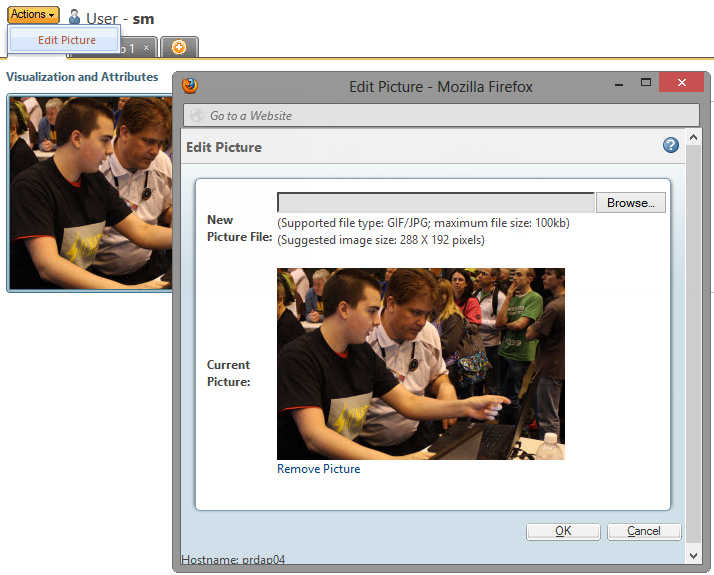
Ever wanted to upload a picture to your Windchill profile to uniquely identify yourself? You can! Just choose My Settings, Profile from the Quick Links menu in the uppper right hand corner and then choose Edit Picture from the Actions menu. The image needs to be 288x192 or it will be stretched/squeezed to fit into this size.