1-Visitor
March 1, 2016
Question

How to create multiple references in the mechanism's 3D connections?

  • March 1, 2016
  • 1 reply
  • 1989 views

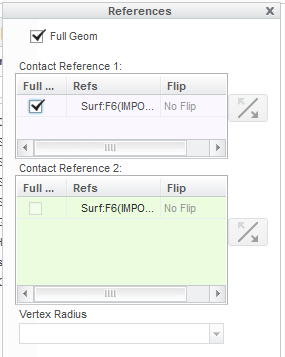
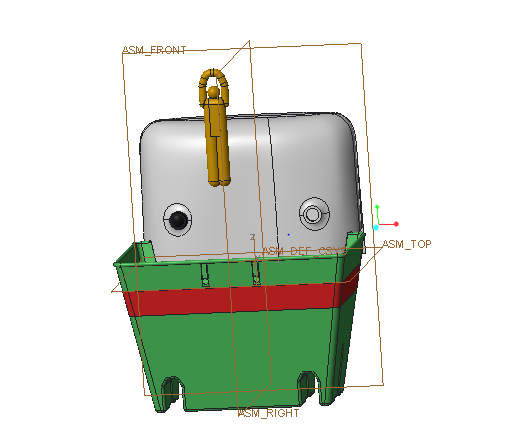
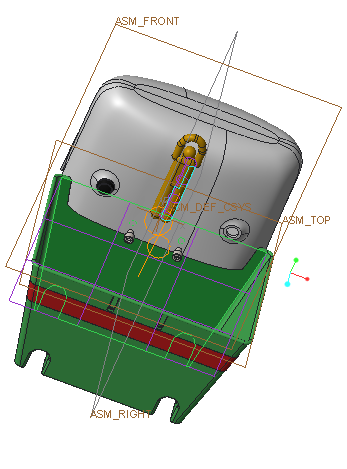
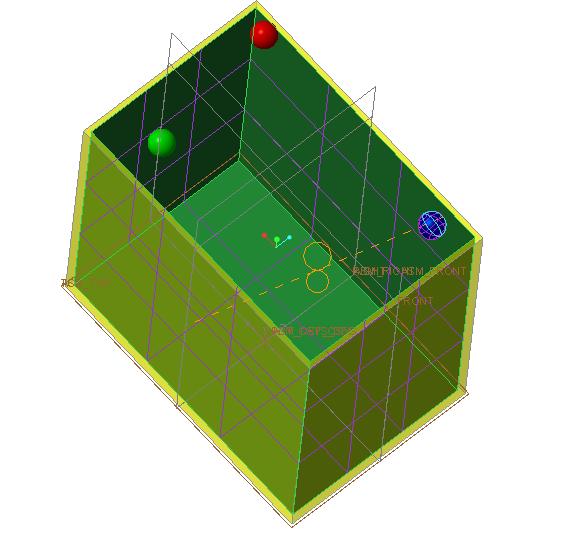
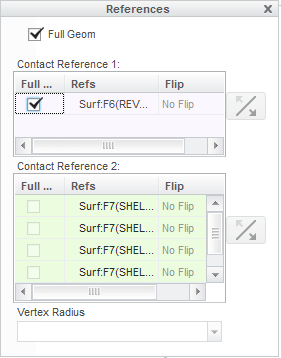
In my mechanism below I want to simulate the bouncing shown in example provided in the exercise eleven of the How to Model Anything. The yellow man consistently goes straight through the green box. I think that it is due to the fact that I do not have all the surfaces referenced as is done in the 4th picture. How do i do multiple 3D connection references, as I only have one surface 3D connection reference
MyMechanism.PNGMyMechanism2.PNGMyMechanismReference.PNG

------------------------------------------------------------------------------------------------------------------------------------------------------------------------------------------------------------------------------------------------------------------------------------
BallMechanism.PNGMyMechanismBallReference.PNG

    1 reply

    1-Visitor
    March 11, 2016

    Hi Abhishek,

    To accomplish this, you can use multiple 3D connections between the man and the box. You'll need to make a connection for each wall of the box.

    Let me know how it goes.

    Thanks,
    Chris

    1-Visitor
    March 12, 2016

    Hi Mr.Carr,

    Thank you so much for your help! I understand that I should create a 3D connection for each wall of the box, but Creo is only letting me create one 3D connection. When I try to click on another wall to create another It just edits the original 3D connection.

    Could you describe the steps involved in how to add multiple 3d connections?

    Thanks,

    Abhishek