1-Visitor
March 3, 2017
Solved

Merging parts in assembly

  • March 3, 2017
  • 1 reply
  • 1398 views

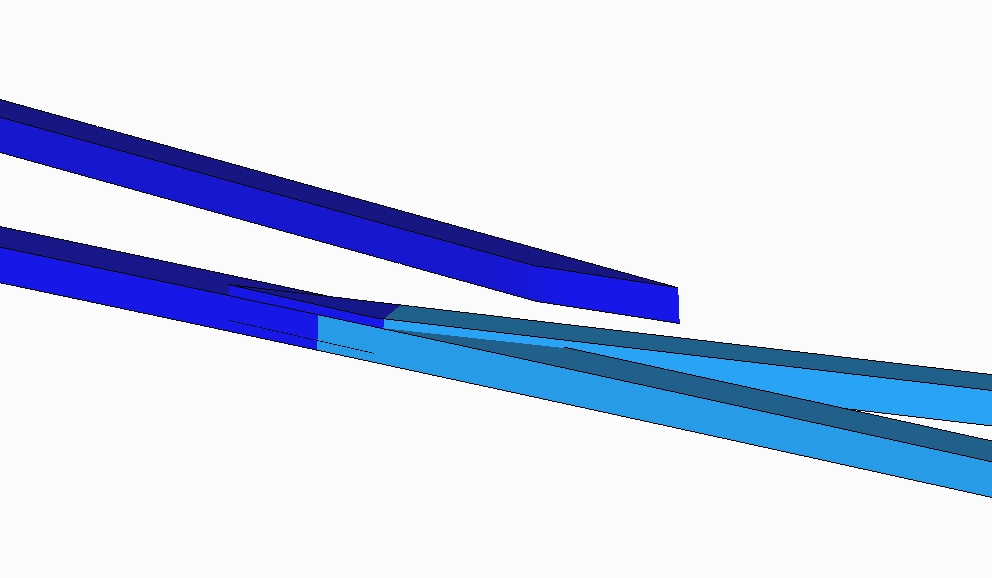
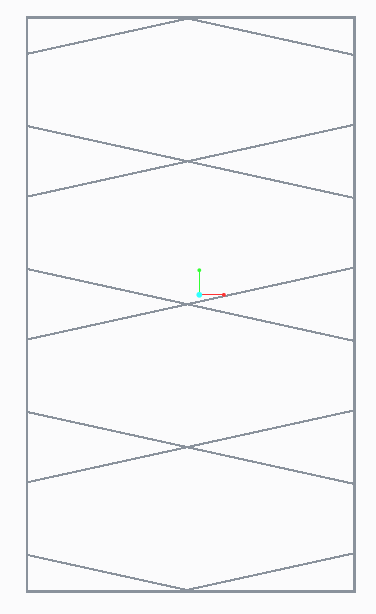
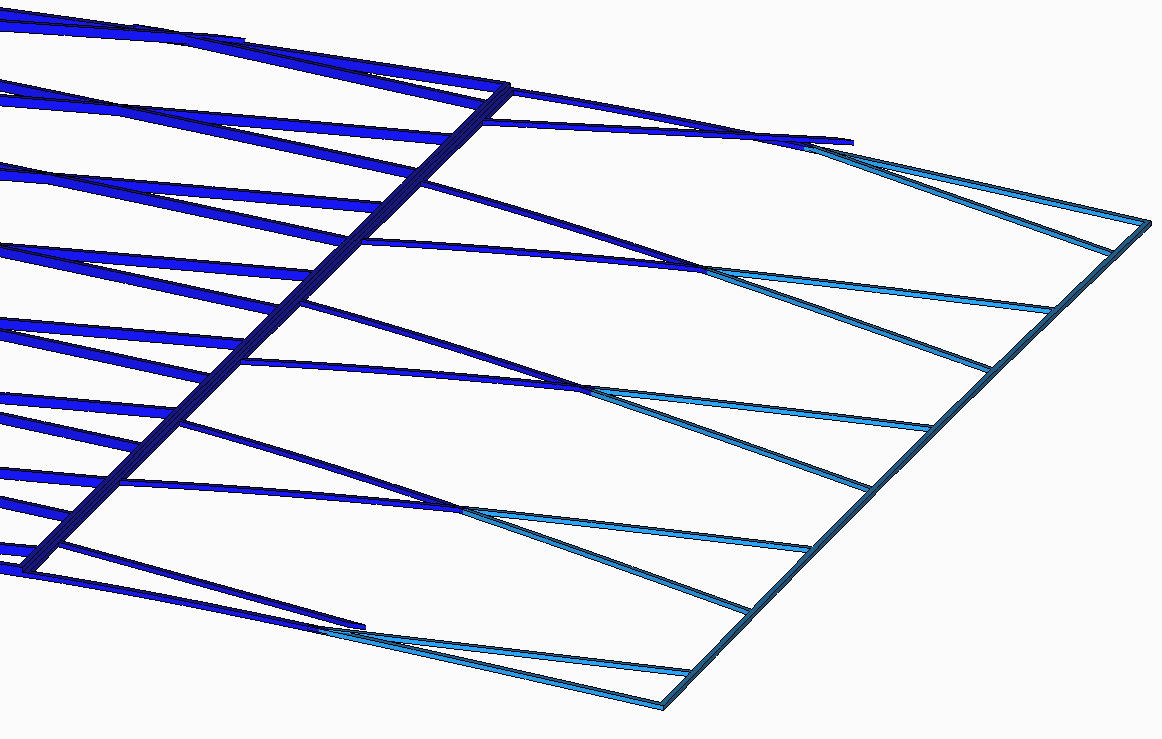
Hi. I have a structure which I'm trying to perform a linear static analysis in Simulate on. The structure is a series of rectangular frames with a sub-series of diagonal members. When I applied a transverse out-of-plane load, I found that the diagonal members were not actually "connected" with the rectangular frame, even though in the .asm the diagonal members actually intersect the rectangular frame. How can I resolve this issue?

For info: The assembly is formed with 1) the rectangular frame 2a) a single diagonal member running at an angle 2b) a pattern repetition to form the other diagonal members running at the angle 3a) a single diagonal member running at the other angle 3b) a pattern repetition to form the other diagonal members running at the other angle

Many thanks.
a.pngaa.pngaaa.png

Message was edited by: Ryan Ng

    Best answer by JohnF

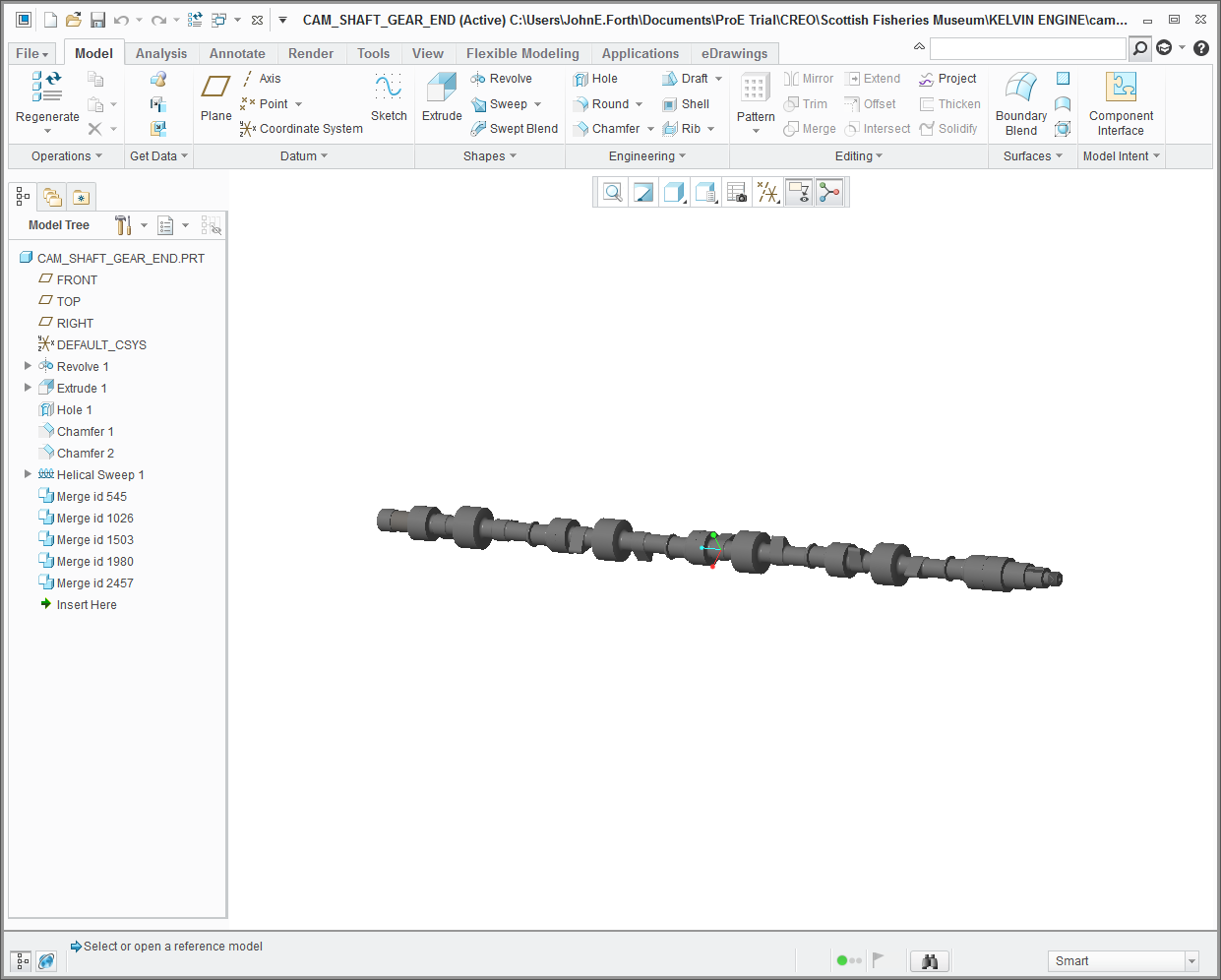
    What you have to do is to create a contiguous part from the assembly.  You have to use Merge Inheritance. In the assembly you will find this under Component Operations in the Component Drop Down menu.  In the part mode it is under Get Data.

    In this example a single common camshaft part is merged a number of times to create the whole shaft.  Hope this helps

    1 reply

    JohnF1-VisitorAnswer
    1-Visitor
    March 3, 2017

    What you have to do is to create a contiguous part from the assembly.  You have to use Merge Inheritance. In the assembly you will find this under Component Operations in the Component Drop Down menu.  In the part mode it is under Get Data.

    In this example a single common camshaft part is merged a number of times to create the whole shaft.  Hope this helps