

1-Visitor
May 8, 2021
Question

Tab and font size customization in Parametric 7.0.2

  • May 8, 2021
  • 1 reply
  • 1668 views

Hi there!

I use Creo Parametric 7.0.2 and I'd like to know how to modify tab and font sizes in my program to make it look like the second picture.

Thank you for your help!
.
.

.

My current working enviroment:
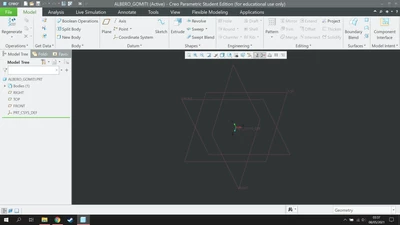
 

Screenshot (41).png


How I'd like it (except for language, english is fine):
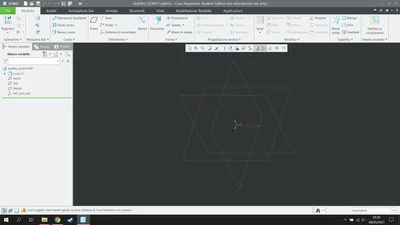
 

Screenshot (42).png

1 reply

24-Ruby III
May 12, 2021

@GenPan wrote:

Hi there!

I use Creo Parametric 7.0.2 and I'd like to know how to modify tab and font sizes in my program to make it look like the second picture.

Thank you for your help!
.
.

.

My current working enviroment:


Screenshot (41).png


How I'd like it (except for language, english is fine):


Screenshot (42).png


Hi,

try adding default_ui_font option into config.pro file. See description below


default_ui_font
Sets the default font of the text in the user interface. Does not set the text font of menu bars, menus and their children, pop-up menus, and their tooltips. Add comma-delimited variables in any order. Value such as italic bold, 24, times or 24, times, and italic bold have the same effect. Any omitted variable uses the standard setting.


Examples:

default_ui_font  italic bold, 24, times

default_ui_font  24, times

default_ui_font  italic bold