Question
Stop Autoscaling Images in Knowledge Base Articles - Edge Browser
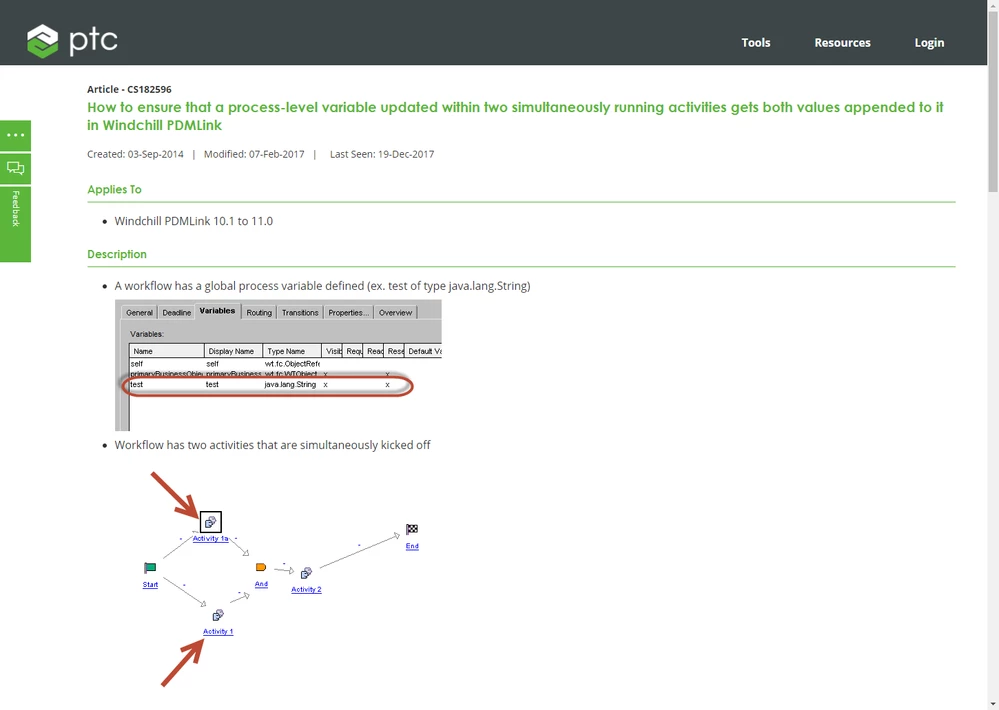
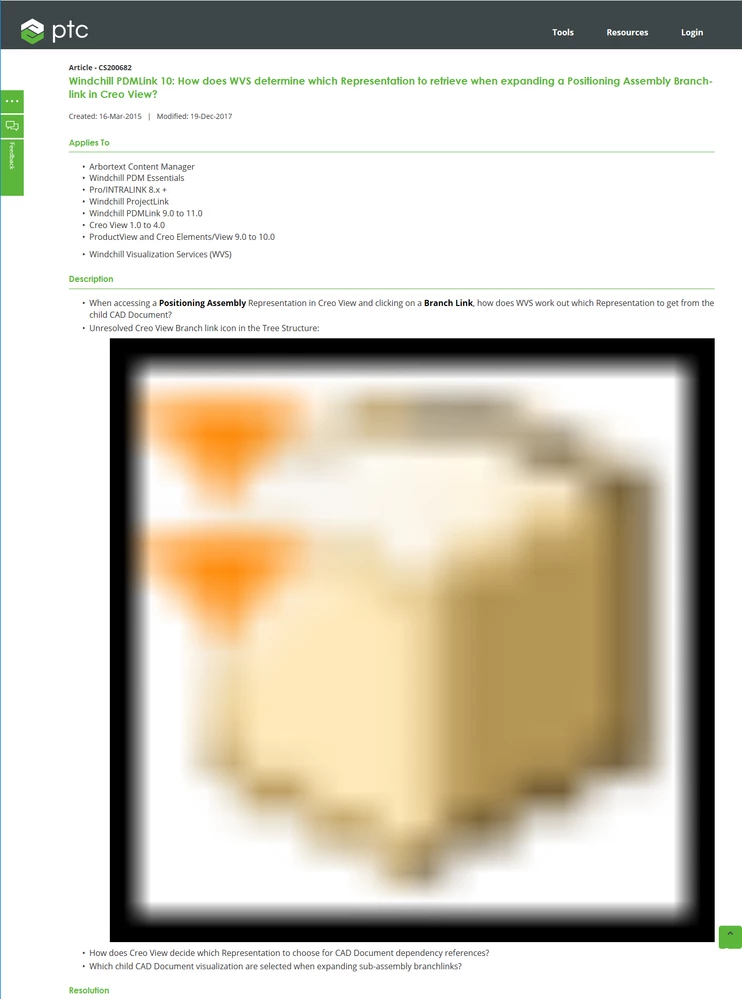
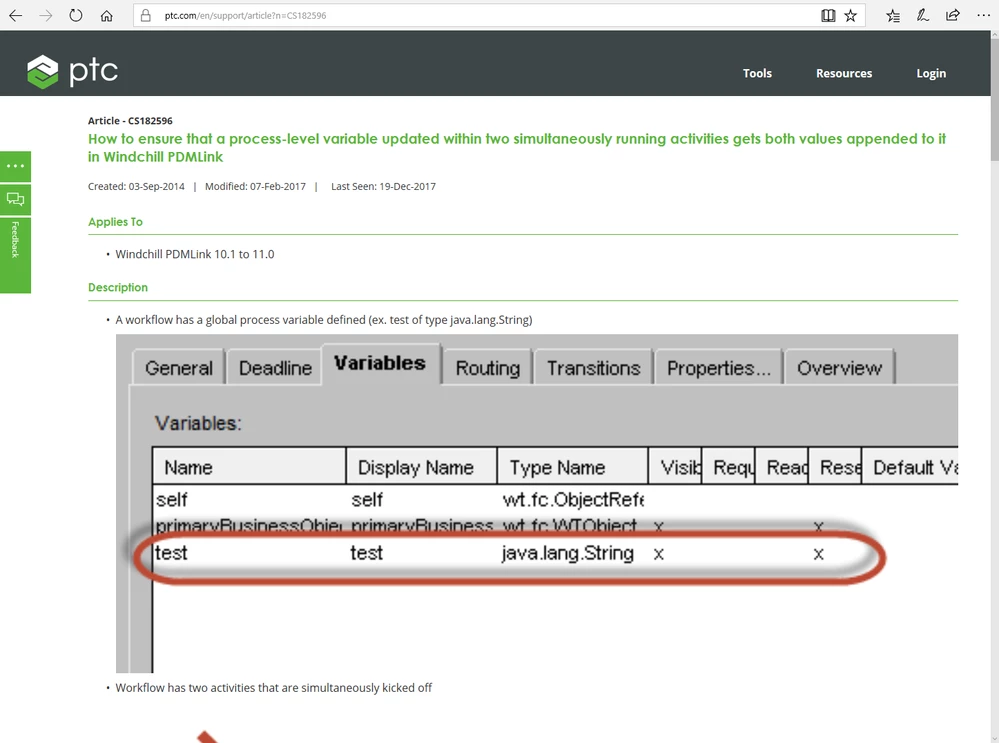
Something changed with the formatting (CSS?) of knowledge base articles recently where images now auto-scale to fill the available browser space in the Edge browser. This might be great for smart phones but it is horrible for "normal" monitor resolutions (1920 x 1200). Please stop resizing images larger than 100%.
Some examples:
https://www.ptc.com/en/support/article?n=CS200682
https://www.ptc.com/en/support/article?n=CS182596
Edge Browser:
Chrome Browser: