

uBlock Origin is Blocking Proper Access to Knowledgebase Search
As a Portal Search User, have you ever encountered such an error message while trying to search in PTC Knowledgebase?
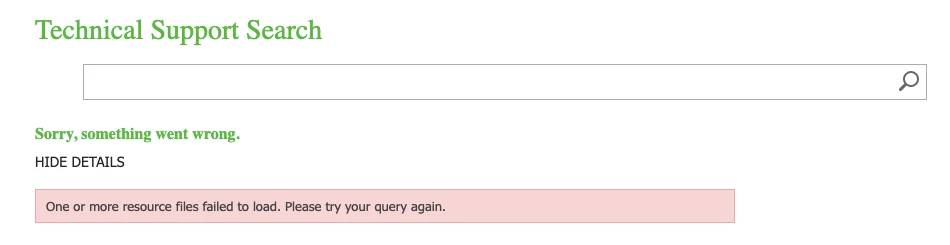
Based on previous occurrences, some other things aside from browser type and cache can cause this issue. Recently, uBlock Origin was the most frequent cause of this Search malfunction.
We are suggesting below steps to self-diagnose first:
Step 1: Clear the browser cache and restart the browser.
Step 2: Try with another browser and see whether the issue still exists.
Step 3: Check the browser setting and configuration and see whether there is any adblocker blocking Search from functioning, for example, uBlock Origin.
Most of the time the above steps should be able to solve the issue. If not, continue with the following steps...
Step 4: Check if you can access Search through absolute URL: https://support.ptc.com/search/Pages/result.aspx. as well as the relative URL: https://support.ptc.com/search
Step 5: Check if there is any network security restrictions or proxy issue in the local network. If possible, try from a different network.