2 replies

12-Amethyst
March 17, 2025

Hi Amber,

There can be several reasons for sweep failures. When you create a feature and it fails to regenerate, there is a notification center that appears in the bottom right corner of the screen (there is a red flag icon). You can expand that to see information on your specific feature failure. However, from the perspective of addressing the orientation:

  • Ideally ensure that your sketch view directions are in the desired location. This is in the sketch setup dialog shown when placing a sketch (as Amir highlighted in your previous post).
  • Secondly, try rotating the model. Once you have your sketch in a planar view as you do, hold Shift and use the arrow keys to rotate the model as desired

JohnWalkerTCD_0-1742224907203.png


John

13-Aquamarine
March 17, 2025

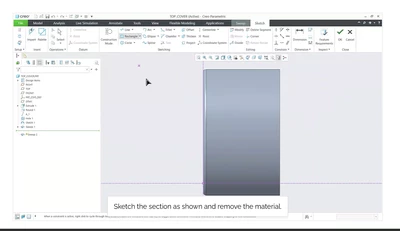
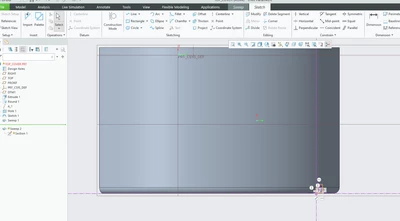
I'm having problems orientating it. My arrows are in a different direction when I start the sweep and I don't understand why. 

Mine

AmberWright_2-1742225473777.png


Video

AmberWright_1-1742225462175.png


12-Amethyst
March 17, 2025

Hi Amber,

Most of the time the differences are based on how you select entities (the orientation, the order of selection, etc.). The easiest way around this it to try changing the origin and direction of the sweep trajectory. You can find tips and tricks on how to do this in the notes of your training guide:

JohnWalkerTCD_1-1742225902474.png


1-Visitor
April 4, 2025

I took the class today and ran into the same error. When selecting the edges, I was clicking CTRL and not SHIFT by mistake. If you use the SHIFT key when making selections, it treats the edges as a single entity rather than a chain. It drove me nuts until I figured this out.