
1-Visitor
September 29, 2015
Question

Learning Connector Issues

  • September 29, 2015
  • 1 reply
  • 3672 views

HI,


I have a problem with learning connector with Creo Parametric 3.0.

When I start the learning connector, nothing comes up except the empty window frame for learning connector.

What can I do to get this work?

Rebooting - Doesn't work

Refreshing the window - Doesn't work

Changing Internet Explorer Privacy settings - Doesn't work
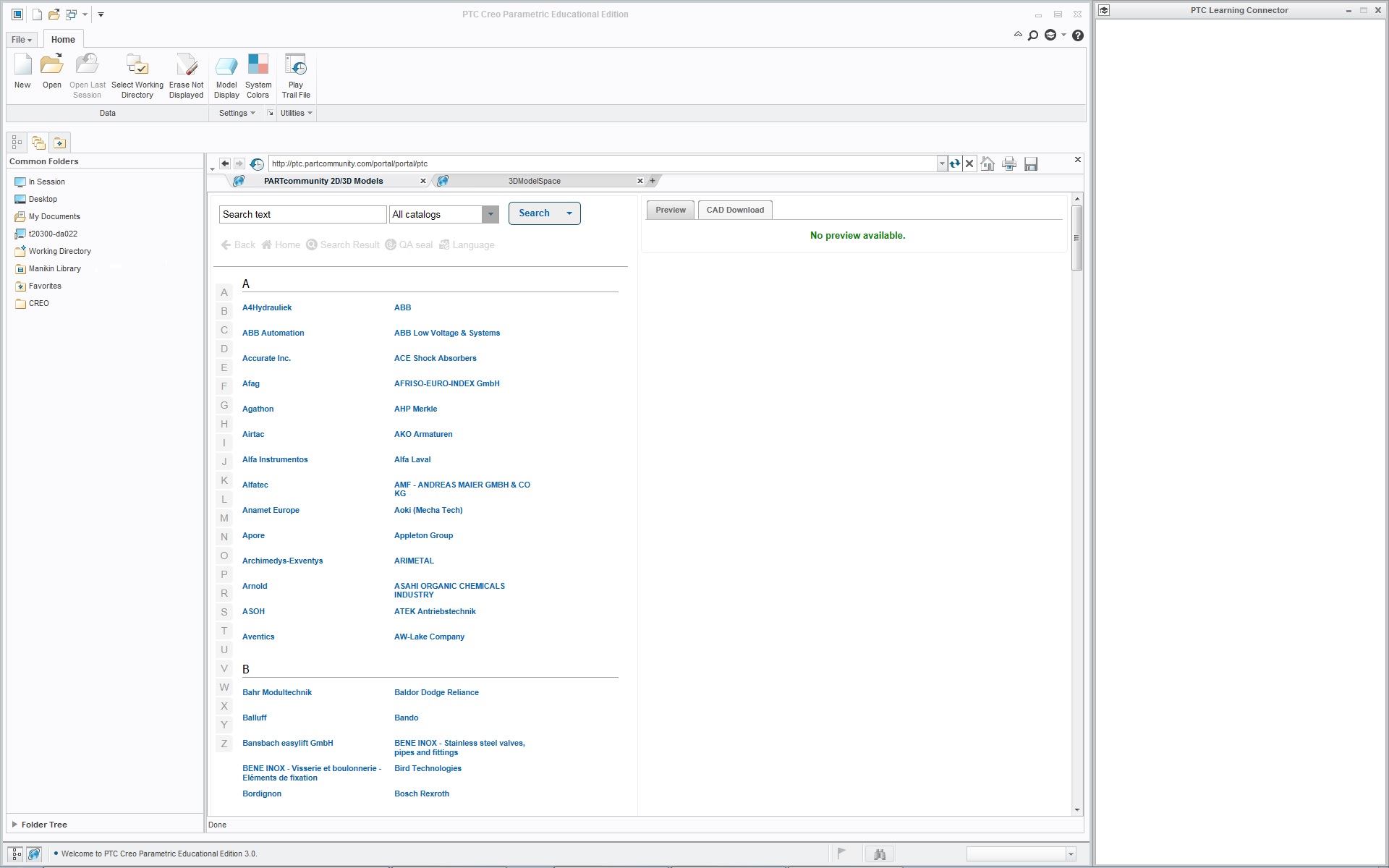
learning_nothing.jpg

1 reply

5-Regular Member
September 29, 2015

Hi Kaur,

This is how to fix this IE issue:

1. Close Creo

2. Close Learning Connecotr

3. Stop Creo Agent

kill creo agent.jpg

4. Go to Internet Explorer -> Tools -> Internet Options -> Browsing History Settings and check "Every time I visit the webpage" for versions of stored pages:

tools-internet options.jpgtemp internet file.jpg

Done. Now restart Creo and Learning Connector. Please be patient -  it sometimes takes a few minutes to load Learning Connector for the first time. After that it should work normally.

Hope this helps.

Thank you for choosing Leaning Connector!

Maria Gurchenkova

Product manager, PTC University

kjaakma1-VisitorAuthor
1-Visitor
September 30, 2015

Hi,

Thanks for the reply. The solution worked to some extent. Now it starts, but if I try to search topics, it gives an error message.

search_error_msg.jpg

search_error.jpg

5-Regular Member
October 1, 2015

Kaur,

Our development team is trying to reproduce the issue now. We need to know more about your system/browser setup. I'm sending you an e-mail on the address included into your profile, so we could discuss it in details. If you prefer a different way of communication, please send me a private message with your preferred contact info.

Thank you,

Maria