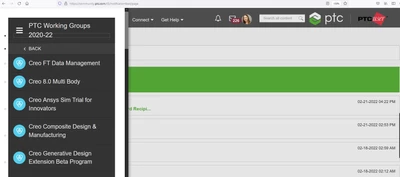

How to participate in a PTC- PTC/USER Working Group
The PTC Product Management team and PTC/USER is excited to share with small groups of PTC Community members the opportunity to discuss enhancements to PTC products with the formation and participation of a PTC Working Group.
How to Participate in a Working Group:
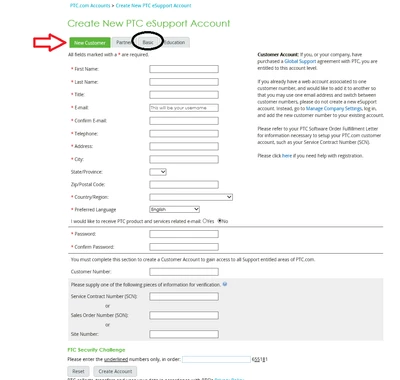
In order, to post on the PTC community you must first have an active PTC eSupport account. If you do have PTC Customer Credentials, please sign up for eSupport using "Create a New Customer Account" link at: http://support.ptc.com. If you are not yet a PTC Customer or do not have access to your customer license credentials, you can also register for eSupport as a “Basic User.”
https://support.ptc.com/appserver/common/account/createAccount.jsp
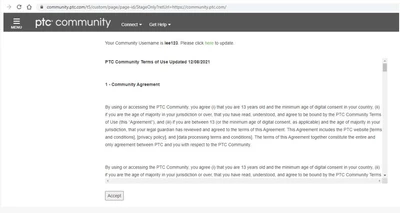
Once your eSupport registration is complete, you need to access http://community.ptc.com , agree to the PTC Community Terms of Service, and select a community username.
Then, you can access the any of the working groups via link provided by the Working Group Administrator (i.e. Group Owner) or finding a working group via the navigation menu.
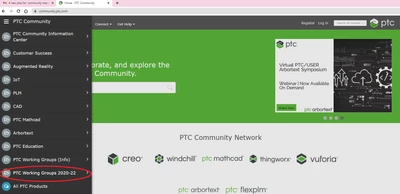
https://community.ptc.com/t5/PTC-Working-Group-Info/bd-p/workinggroupdetails