Solved
Advanced Framework Licensing question
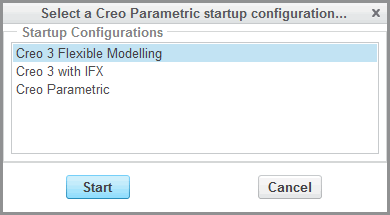
We have successfully installed the Creo 2.0 MOD 130 Advanced Framework add-on. We edited the config.pro with afx_enabled = yes in order for the Advanced Framework to display. When Creo is launched, it AUTOMATICALLY grabs the Advanced Framework license. Since we only have 2 floating licenses, and approximately 50 users – we’d like to know if there is a way to configure the Advanced Framework add-on so it grabs a license on demand instead of automatically.
Any information would be greatly appreciated.
This thread is inactive and closed by the PTC Community Management Team. If you would like to provide a reply and re-open this thread, please notify the moderator and reference the thread. You may also use "Start a topic" button to ask a new question. Please be sure to include what version of the PTC product you are using so another community member knowledgeable about your version may be able to assist.