

Chris3
21-Topaz I
January 5, 2023
Question

Appling manikin postures in a linked session

  • January 5, 2023
  • 1 reply
  • 1431 views

When I want to apply a posture to a manikin in a Windchill linked session it reaches out to Windchill to grab the posture thumbnails. If I scroll down then it closes the drop down box while it reaches out for more postures. I end up having to do this 5-6 times before I can get all of the postures loaded and to the bottom of the selection drop down.


Is there something I can configure to improve this?
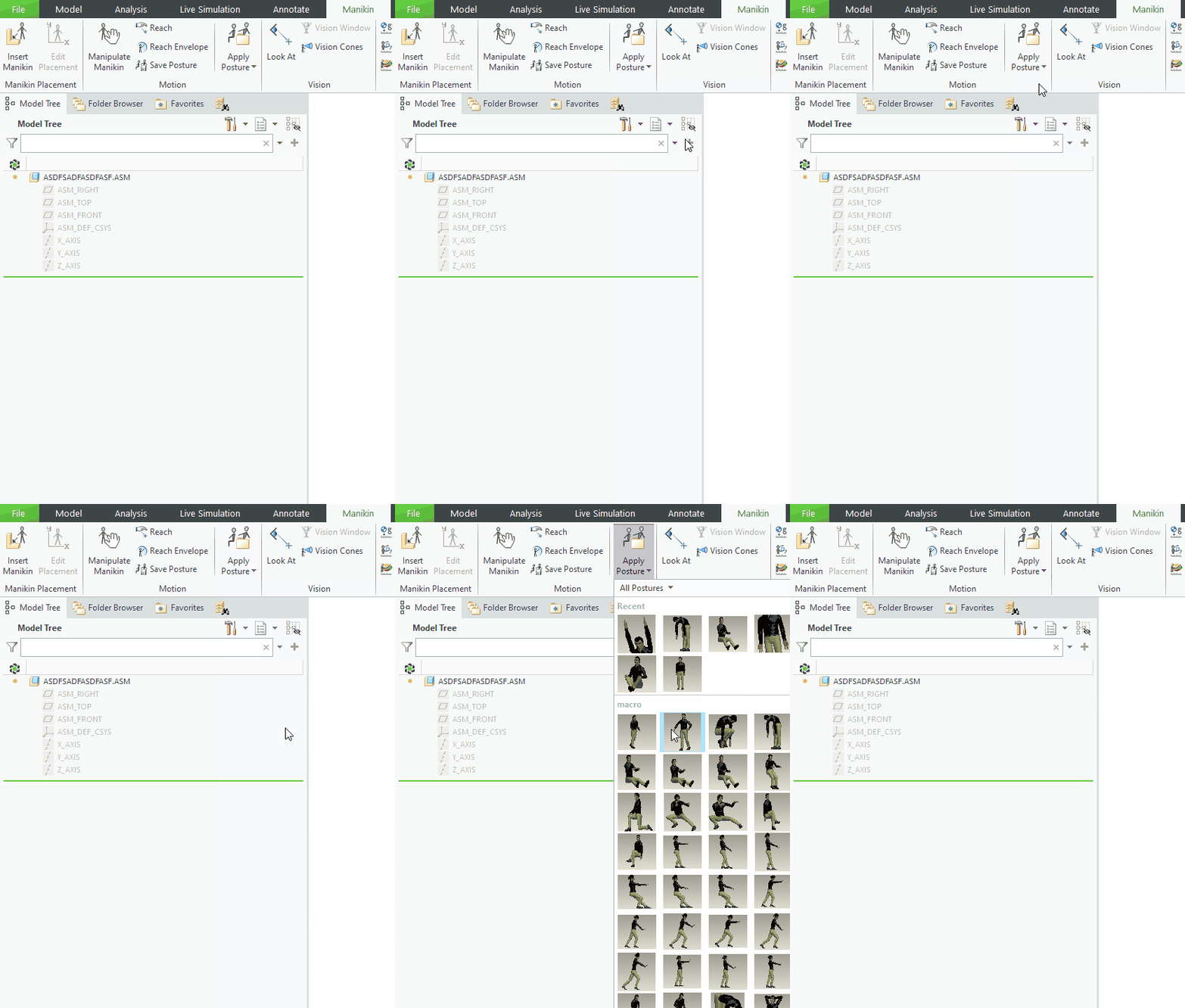
 

4.gif

1 reply

23-Emerald IV
January 5, 2023

I wonder what is causing the dialog to close.  I don't see that on my system.  Loading is slow, but the dialog stays open.


  • Creo Parametric 8.0.6.0 (running from a shared network drive)
  • Windchill PDMLink 12.1.1.2
  • All Manikin files, including the postures, are stored in Windchill.
Chris3
Chris321-Topaz IAuthor
21-Topaz I
January 5, 2023
  • Creo Parametric 7.0.6.0 (locally installed)
  • Windchill PDMLink 11.1 M020

I believe this has happened since we installed the PTC provided Manikins. Its just that we don't use the module enough to the point were I have bothered to bring it up before.

23-Emerald IV
January 5, 2023

It seems to be a performance issue caused by having the postures in Windchill.  Even manually adding the postures to the workspace in advance doesn't help.  Opening the 'Apply Posture' dialog loads the postures into memory, and erasing everything from memory will also remove the postures from memory.  Even with the posture files on the local disk (inside the local cache), loading performance is very slow.  Might be a good candidate for a tech support case...