

1-Visitor
February 17, 2017
Question

Can't rotate an object using scroll

  • February 17, 2017
  • 3 replies
  • 5123 views

Hi,

I cannot rotate the object in creo 3.0 parametric on windows 8 on my lenovo think pad. i am using logitech wireless mouse with scroll.

tried all possible solutions mentioned but cant solve my problem

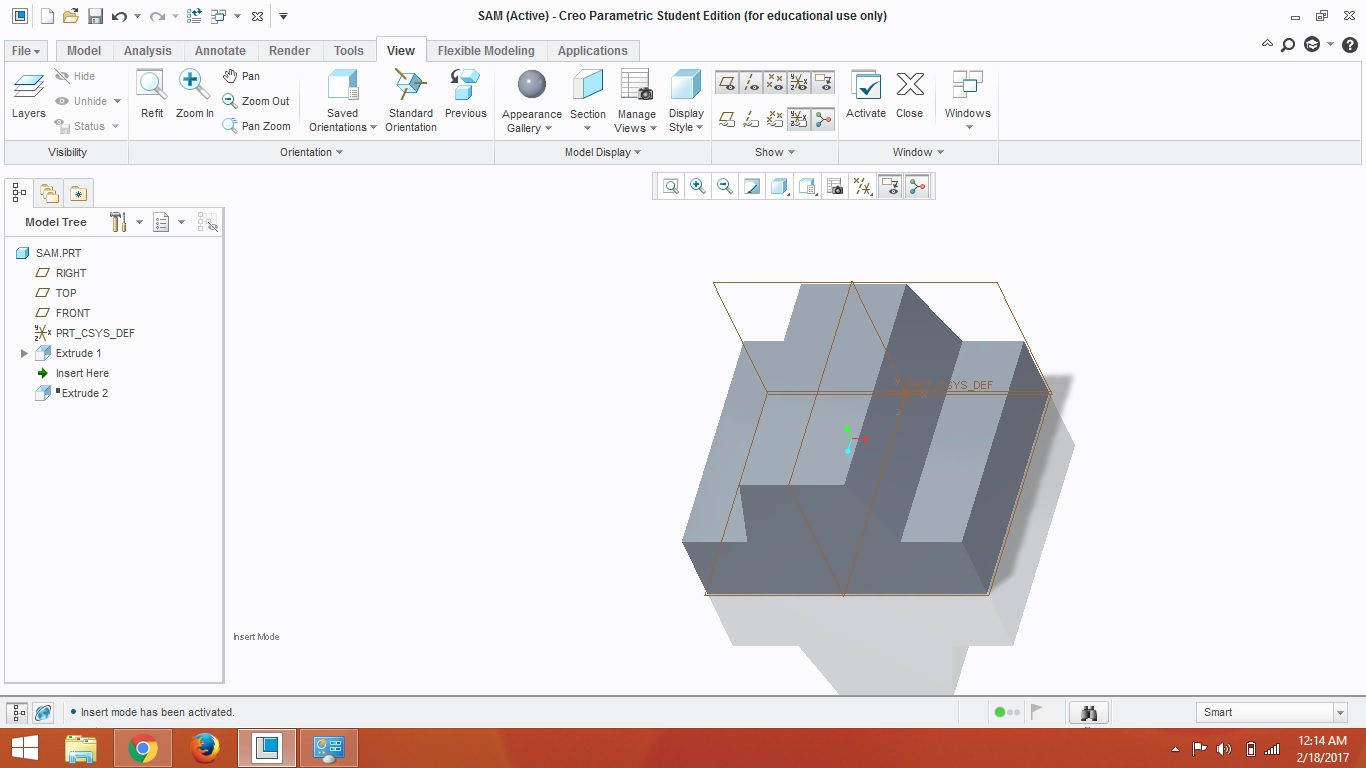
this is the window in creo, trying to rotate the object using scroll
Untitled.jpg

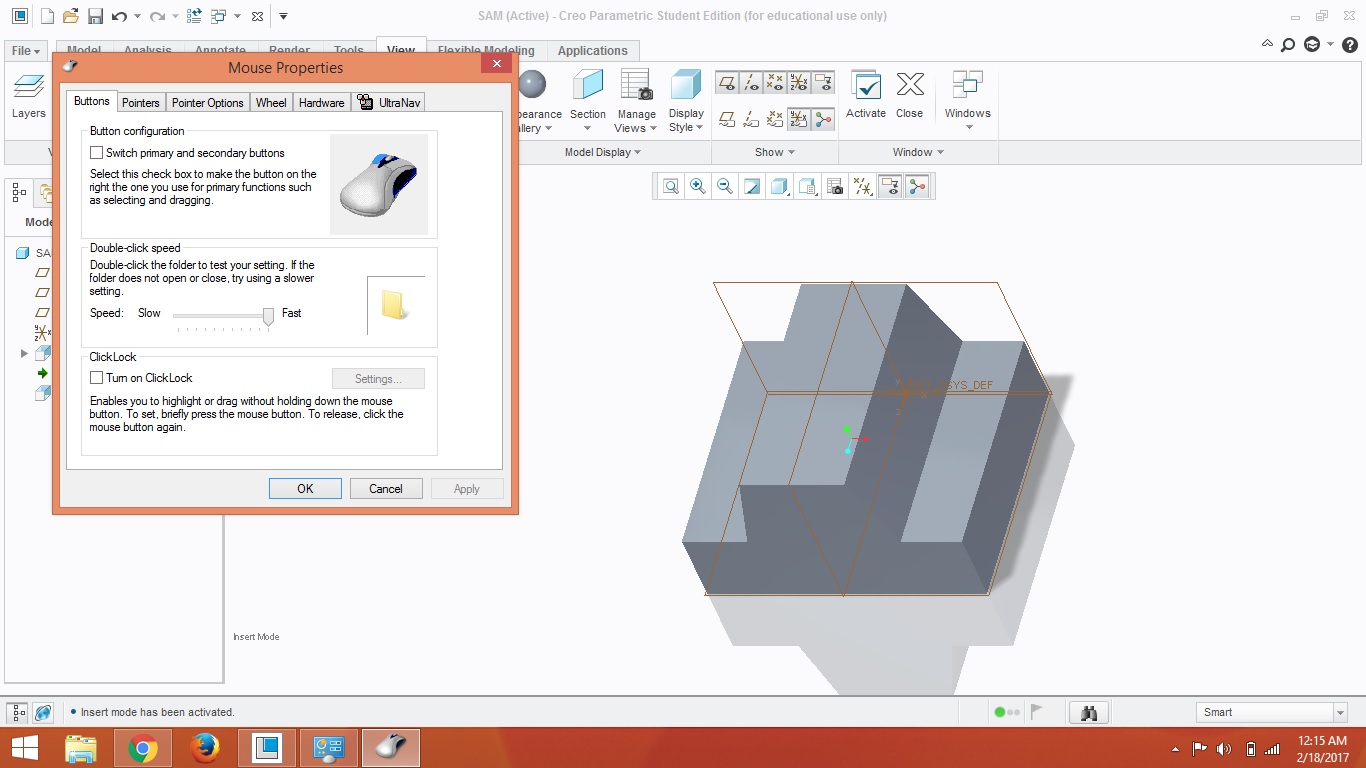
tried editing mouse settings but every thing is right in that
1.jpg

tried editing mouse settings but every thing is right in that.

please provide me with the solution.

note-by using scroll i can only zoom in and out but cannot rotate object.

Also tried various viewing options but wile drawing and excruding i just cant rotate with the scroll .please help.

3 replies

23-Emerald III
February 17, 2017

Make sure your middle mouse button is set to MIDDLE CLICK specifically.

sdube1-VisitorAuthor
1-Visitor
February 18, 2017

hi

thanks for your reply

but there is no such option available please have a look to the screen shot

fgert.jpg

23-Emerald III
February 21, 2017

You may need to install a mouse driver to customize the button. Looks like the windows driver doesn't give you the option anymore.

24-Ruby III
February 18, 2017

Hi,

I hope Middle button setting can be done on Wheel tab in Mouse Properties dialog box. You have to press  &hold Middle mouse button to rotate.

MH

1-Visitor
February 22, 2017

please check this setting in windows setting, my OS is WIN10Capture.JPG