


Creo 12 & creo_parametric_customization.ui
Hi, I’m looking to upgrade from Creo 11 to Creo 12. I noticed that when I launch Creo 12 my creo_parametric_customization.ui is not taken in account anymore.
The help for Creo 12 says this :
The load order is automatically defined as follows:
1. Administrator Customization (if it exists at the loading point (What’s the loading point ?))
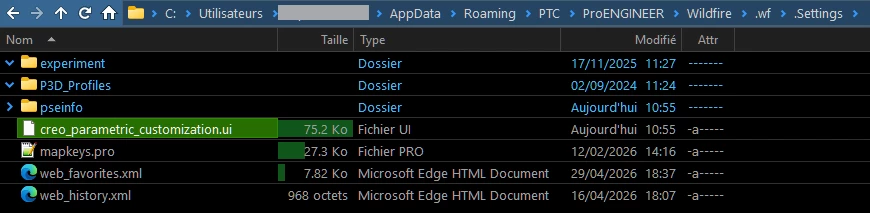
2. User Customization (<Users>\AppData\Roaming\PTC\ProENGINEER\Wildfire\.wf\. Settings)
3. Customization of the execution directory (if the value load_ui_customization_run_dir is set to yes)
I have a file creo_parametric_admin_customization.ui from my installation at this location :
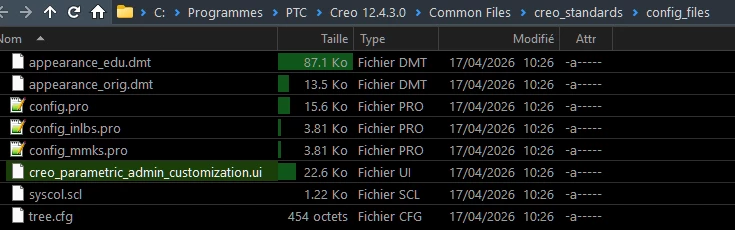
I have my personal file here :
And I don’t have the parameter load_ui_customization_run_dir in my config.pro.
When I load Creo, it loads with the default interface, why ?
We are two users. I would to have a base customization for us two and let my colleague and me have it’s own customization as well. How can I achieve this ?